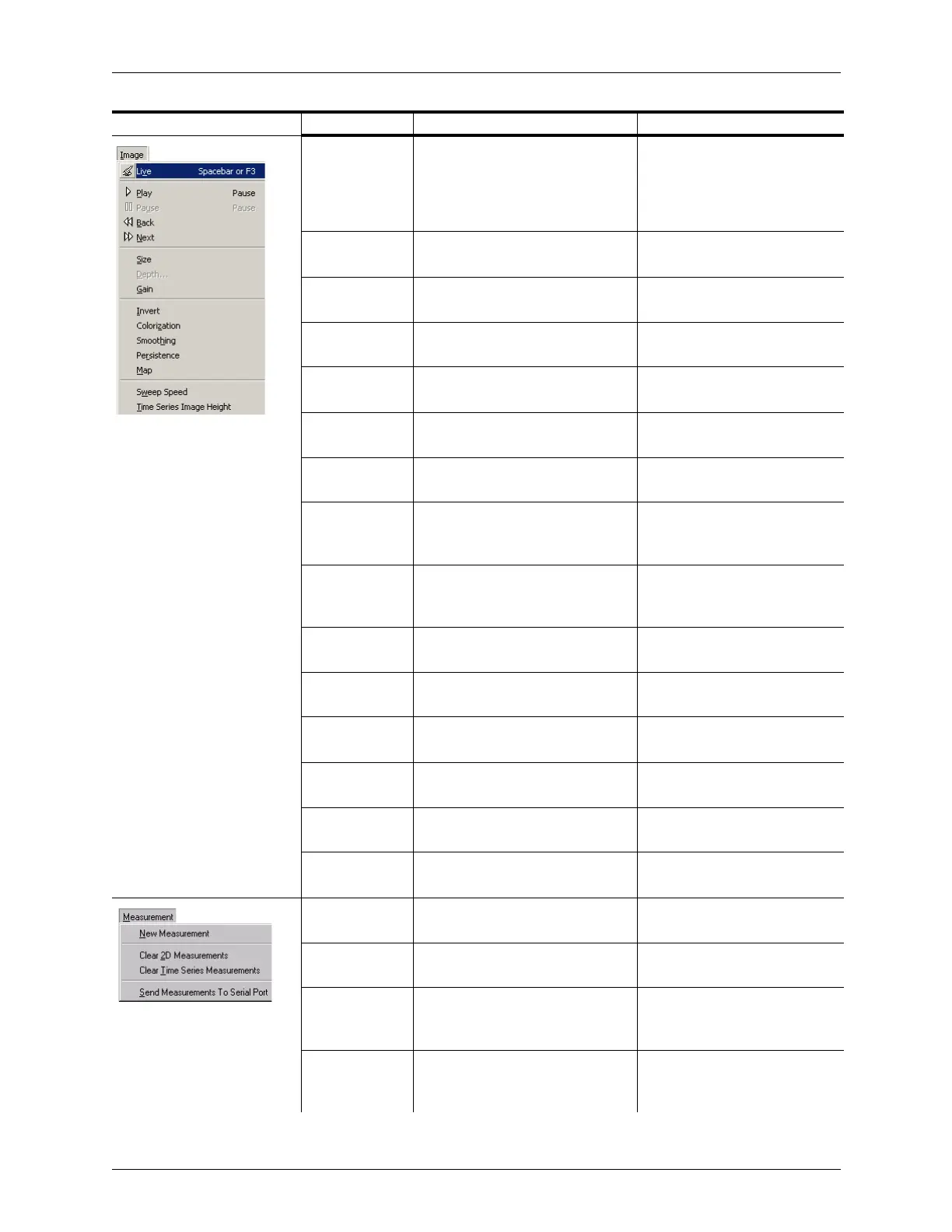
Appendix B - Menu and Toolbar Reference Menu Reference
Terason t3000 / Echo Ultrasound System User Guide 306
Freeze/Live Live if the Image Display window is
frozen; Freeze if the Image
Display window is live: menu
chooses the opposite imaging
state
Freezing Images on page 70
Play Play runs through the frames in a
loop
Working with Image Loops on
page 70
Pause Halts a playing loop at the current
frame
Working with Image Loops on
page 70
Back Moves to the previous frame in a
loop
Working with Image Loops on
page 70
Next Moves to the next frame in a loop Working with Image Loops on
page 70
Size Opens a submenu used for 2D, to
select Small, Medium, or Large
Adjusting the Size on page 92
Depth Opens a submenu used for 2D, to
set the depth for the scan
Adjusting the Depth on page 93
Gain Opens a submenu used to
increase (Up) or decrease (Down)
the gain setting by one unit
Adjusting Spectral Gain on
page 115
Invert Opens a submenu used for 2D, to
choose Left/Right or Up/Down
inverts
Inverting Images on page 100
Colorization Opens a submenu used for 2D to
choose a color palette
Adjusting Colorization on
page 101
Smoothing Opens a submenu used for 2D to
choose a Smoothing algorithm
Adjusting Smoothing on
page 102
Persistence Opens a submenu used for 2D to
choose a Persistence level
Adjusting Persistence on
page 102
Map Opens a submenu used for 2D to
choose an image map
Adjusting the Image Map on
page 103
Sweep Speed Opens a submenu used to set the
speed for the Time Series scan
Adjusting the Sweep Speed on
page 106
Time Series
Image Height
Opens a submenu used to set the
Time Series Image Height.
New
Measurement
Initiates a measurement of the
type selected in the Measure tab
Working With Measurements
on page 150
Clear 2D
Measurements
Deletes all measurements in the
2D image display window
Deleting Measurements on
page 201
Clear Time
Series
Measurements
Deletes all measurements in the
Time Series window
Deleting Measurements on
page 201
Send
Measurements
to Serial Port
Transmits OB and GYN
measurements to another
computer
Changing the Indicator’s
Direction on page 87
Menu Menu Item Description Where Described in Guide



 To Next Page