Chapter 5 - Working With Scan Modes Scan Modes Overview
Terason t3000 / Echo Ultrasound System User Guide 93
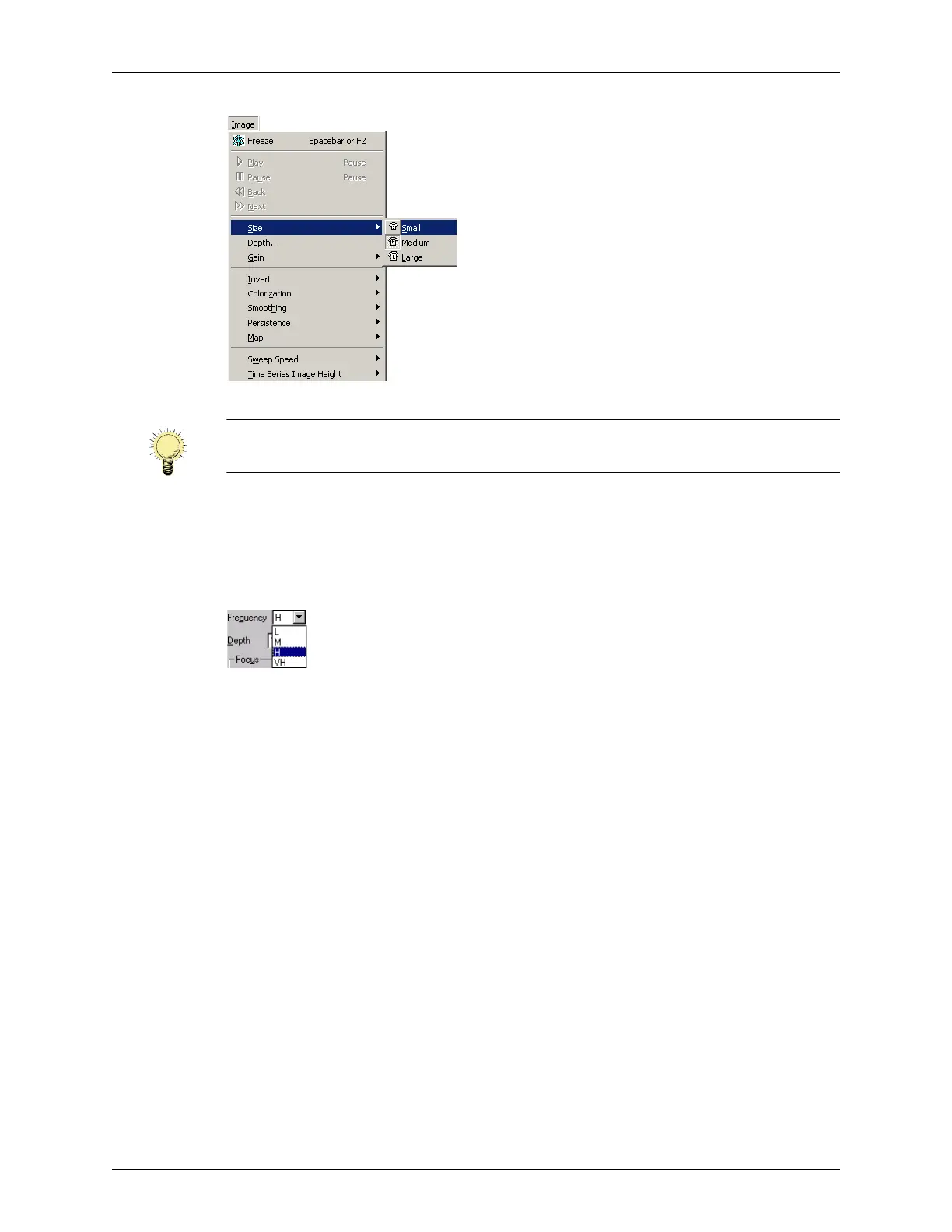
Using the Image Menu to Set the Patient Size
Adjusting the Frequency
When you select an exam, the Terason software sets an appropriate frequency for that
exam and patient size (see Adjusting the Size on page 92). You can select an alternate
frequency to better suit specific circumstances.
Frequency Control
In the Frequency list:
•
L = Low
•
M = Medium
•
H = High
•
VH = Very High (available only with the 12L5 transducer)
The exact frequencies vary, depending on the connected transducer.
Adjusting the Depth
Depth adjusts the field of view. You can increase the depth to see larger or deeper
structures. You can decrease the depth to enlarge the display of structures near the skin
line, or to not display unnecessary areas at the bottom of the window.
When you select an exam type, the Terason software enters a preset depth value for the
specific exam type, transducer, and patient size.
Select a depth (in cm) from the menu.
Note: After selecting the size that suits the clinical situation, you can modify any
available controls to further optimize the image.



 To Next Page