Chapter 5 - Working With Scan Modes Scan Modes Overview
Terason t3000 / Echo Ultrasound System User Guide 94
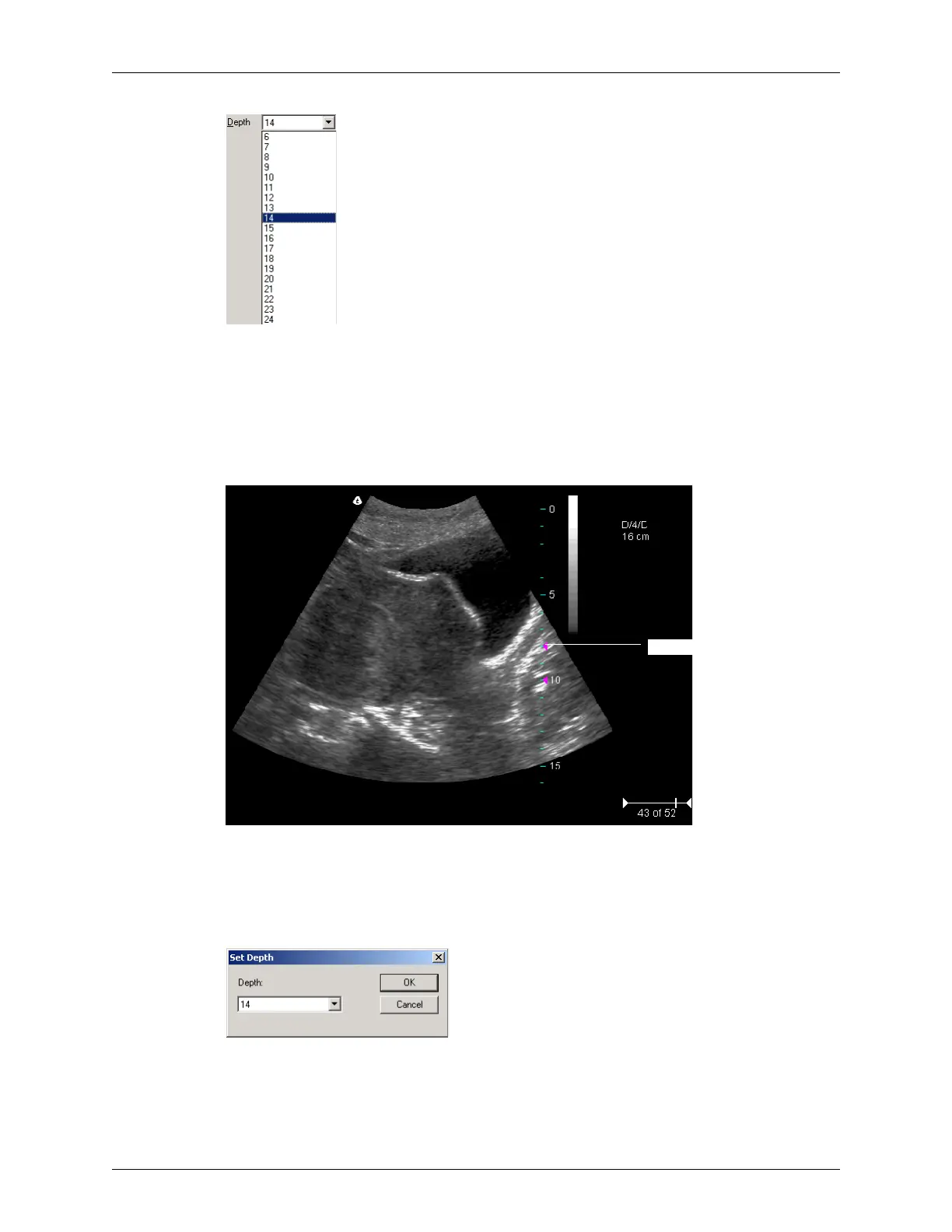
Choosing the Depth (Values in cm)
The values displayed in the menu depend on the transducer.
After adjusting depth, you may want to adjust the gain, time gain compensation (TGC)
curve, and focus control settings.
You can view a depth ruler on the image by selecting
View > Image Display Properties >
Depth Ruler. The figure below shows the depth ruler along the right side of the image.
Example Depth Ruler
The pink triangle on the depth ruler indicates the focus depth.
You can also use the Image menu to set the depth. To do so, complete these steps:
1. Select
Image > Depth. The Set Depth dialog box opens.
Set Depth Dialog Box
2. Select a depth value from the menu.
3. Click
OK.



 To Next Page