Chapter 2 - Installing Software Installing the Terason DICOM Utility
Terason t3000 / Echo Ultrasound System User Guide 45
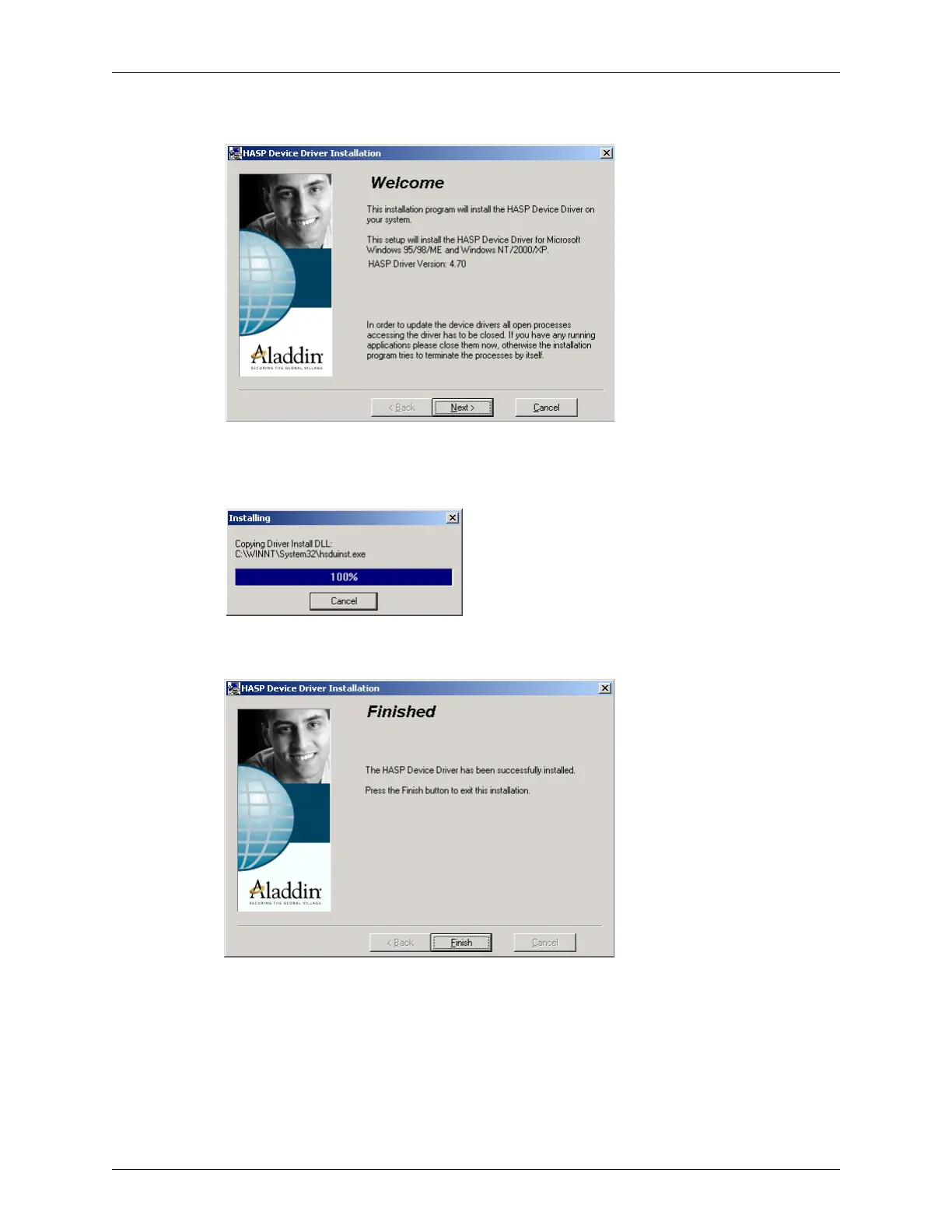
c. Double-click the hdd32.exe file. The Welcome box opens.
HASP Welcome
d. Click Next>. The installation program installs the driver and displays a status
message.
HASP Installing Message
When complete, the installation program displays the Finished message.
HASP Installation Finished Screen
e. Click Finish.
4. Install the DICOM Utility:
a. With the same installation disk in the CD drive, change to the Install Disk folder.
b. Double-click the Setup.exe file. The installation program prompts you to choose
where to install the utility.



 To Next Page