Chapter 2 - Installing Software Installing the Terason DICOM Utility
Terason t3000 / Echo Ultrasound System User Guide 46
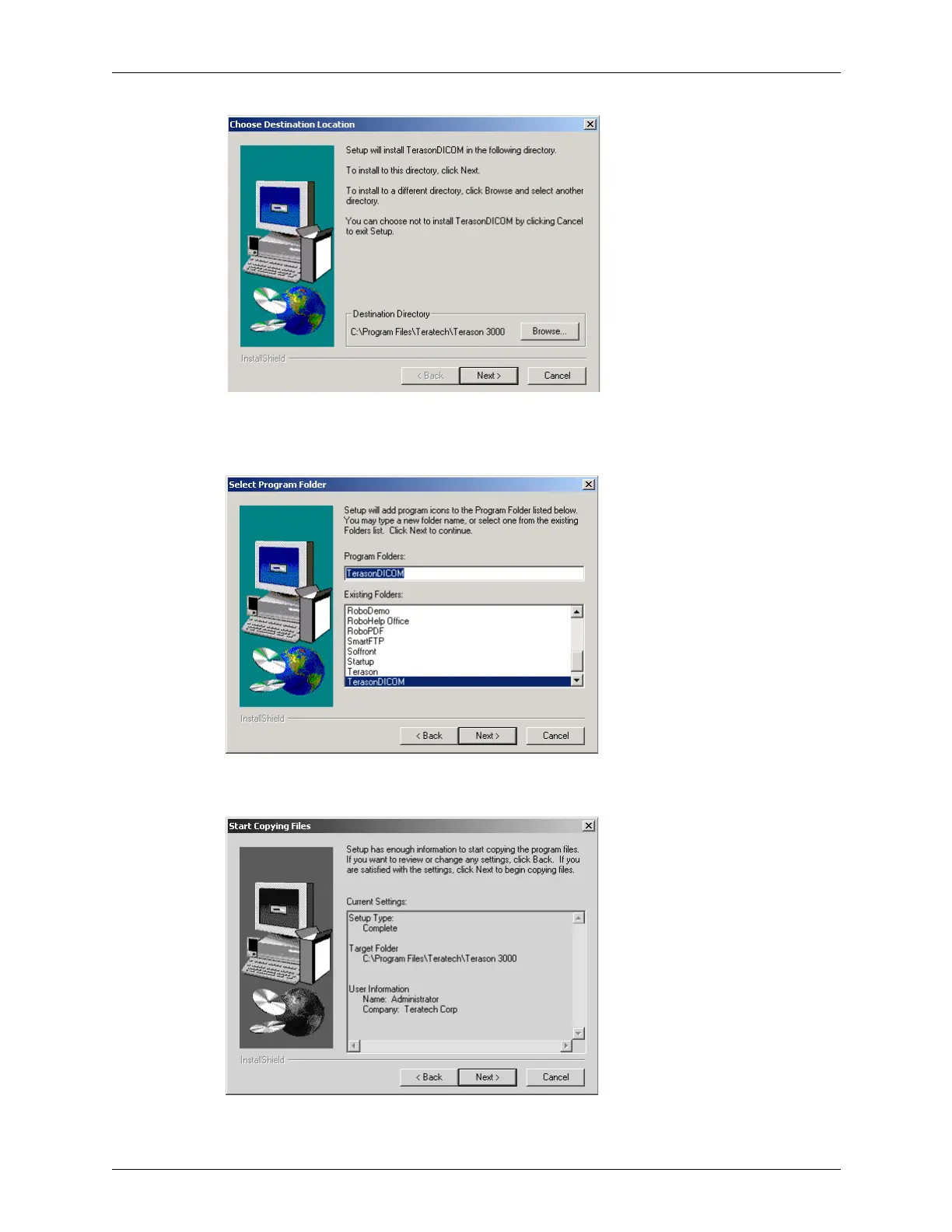
Choosing Directory for Installation
c. Click Next>. The installation program prompts you to select a program folder (for
using the Start button to access the application).
Selecting Program Folder (Accessed from the Start Button)
d. Click Next>. The installation program prompts you to confirm your choices.
Confirm Choices and Start Installation



 To Next Page