Chapter 2 - Installing Software Licensing the Terason Software
Terason t3000 / Echo Ultrasound System User Guide 53
2. Double-click the Terason shortcut on the second computer’s desktop. The
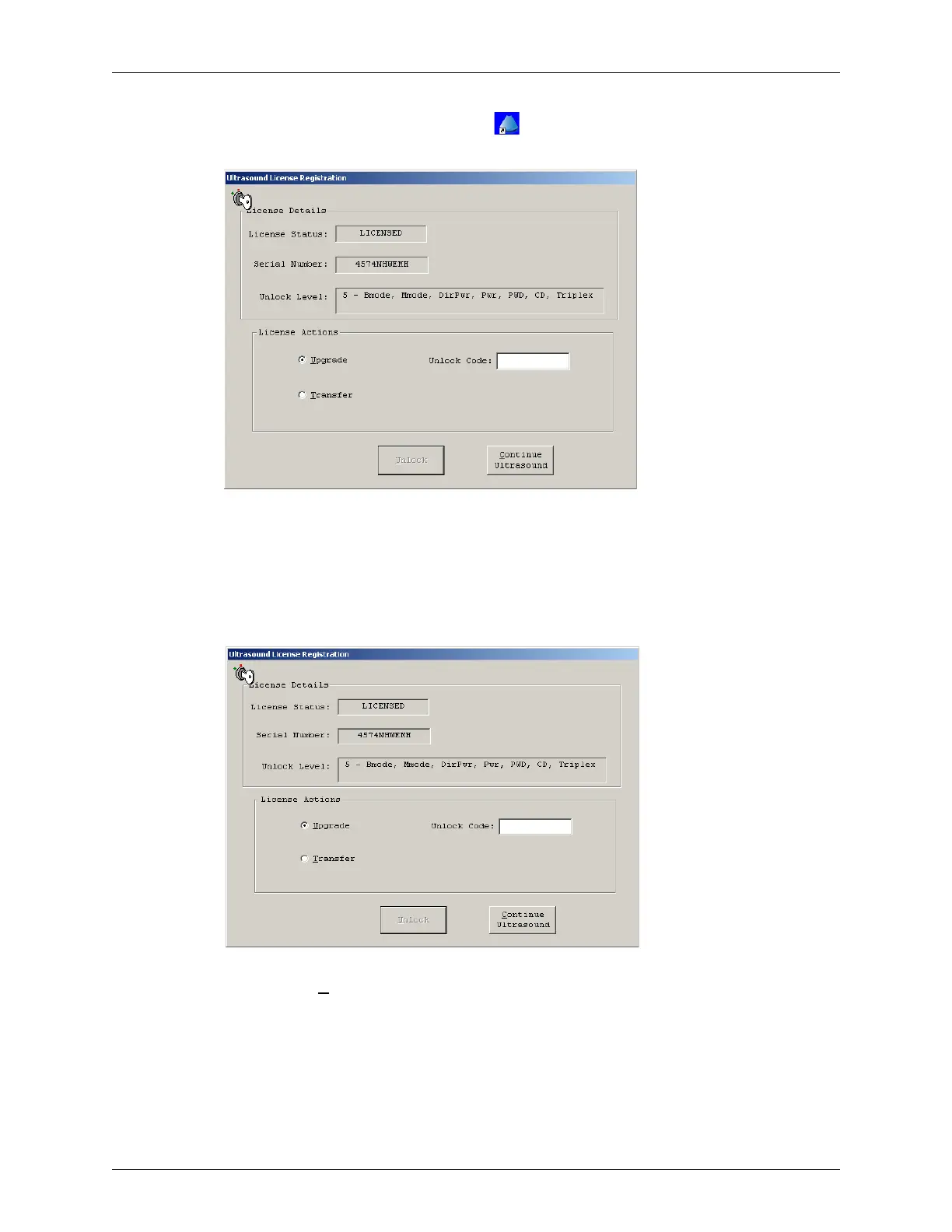
Ultrasound License Registration window opens.
Ultrasound License Registration Window
3. Write down the Serial Number. Do not close the window.
4. On the first computer, start the Terason software.
5. Select
Help > License.
The Ultrasound License Registration window opens.
License Registration Window
6. Click the Transfer radio button.
7. Enter the number you wrote down in step 3 in the Transfer PC Serial Number field.
The Transfer button remains gray until you enter the correct number of digits in the
field.
8. Click
Transfer. The Terason software displays this warning message:



 To Next Page