Setting options:
The default setting item, which automatically
displays the position of the decimal point
Used to fix the current decimal point position
in the automatic state
Move the decimal point to the left
Move the decimal point to the right
Note:
In the following cases, the decimal point position lock function will be automatically cancelled and
restored to the floating decimal point display state.
Test function changes;
The deviation mode is changed.
3.1.4 Result display of bin sort
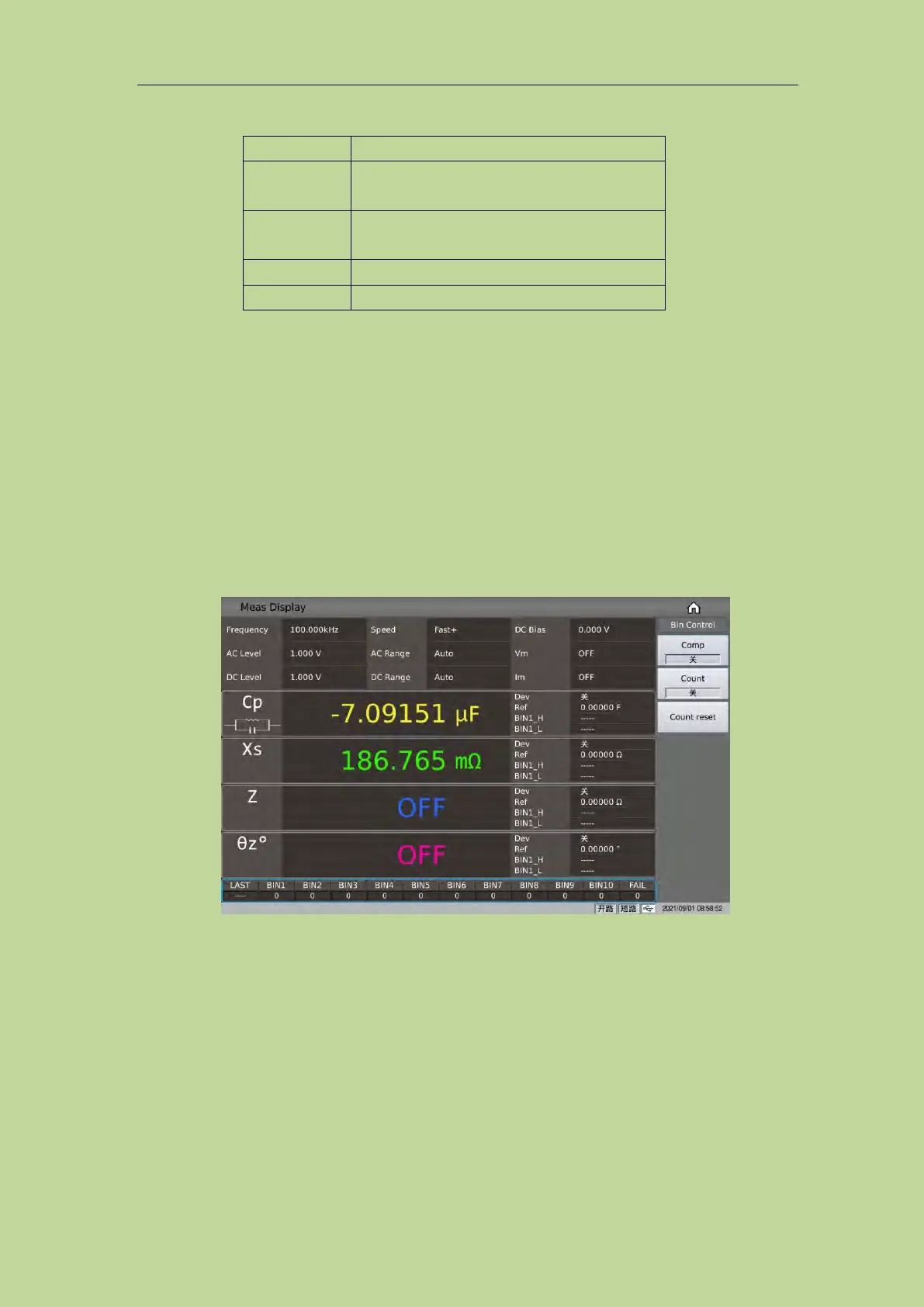
After touching or moving the cursor to the sorting result display area, the corresponding menu will
involve some sorting controls, such as comparison switch, count switch, and count reset; as shown
in Figure 3-1-4:
Figure 3-1-4 Quick settings for bin sorting
3.1.4.1 Comparison switch
The built-in comparison function of this series can divide the component under test into up to 11
bins (BIN1 to BIN10 and BIN OUT). 10 groups of upper and lower limits can be set, and the upper
and lower limits of each file containing 4 parameters can be set independently. If one or more
parameters are not involved in the comparison, then the corresponding upper and lower limits can
be cleared. When the parameters of the DUT participating in the comparison are all within the range
of the bin limit, the corresponding bin is found. The result of the sorting can be output to the



 To Next Page