Chapter 4 System and File
4.1 <System Setup>
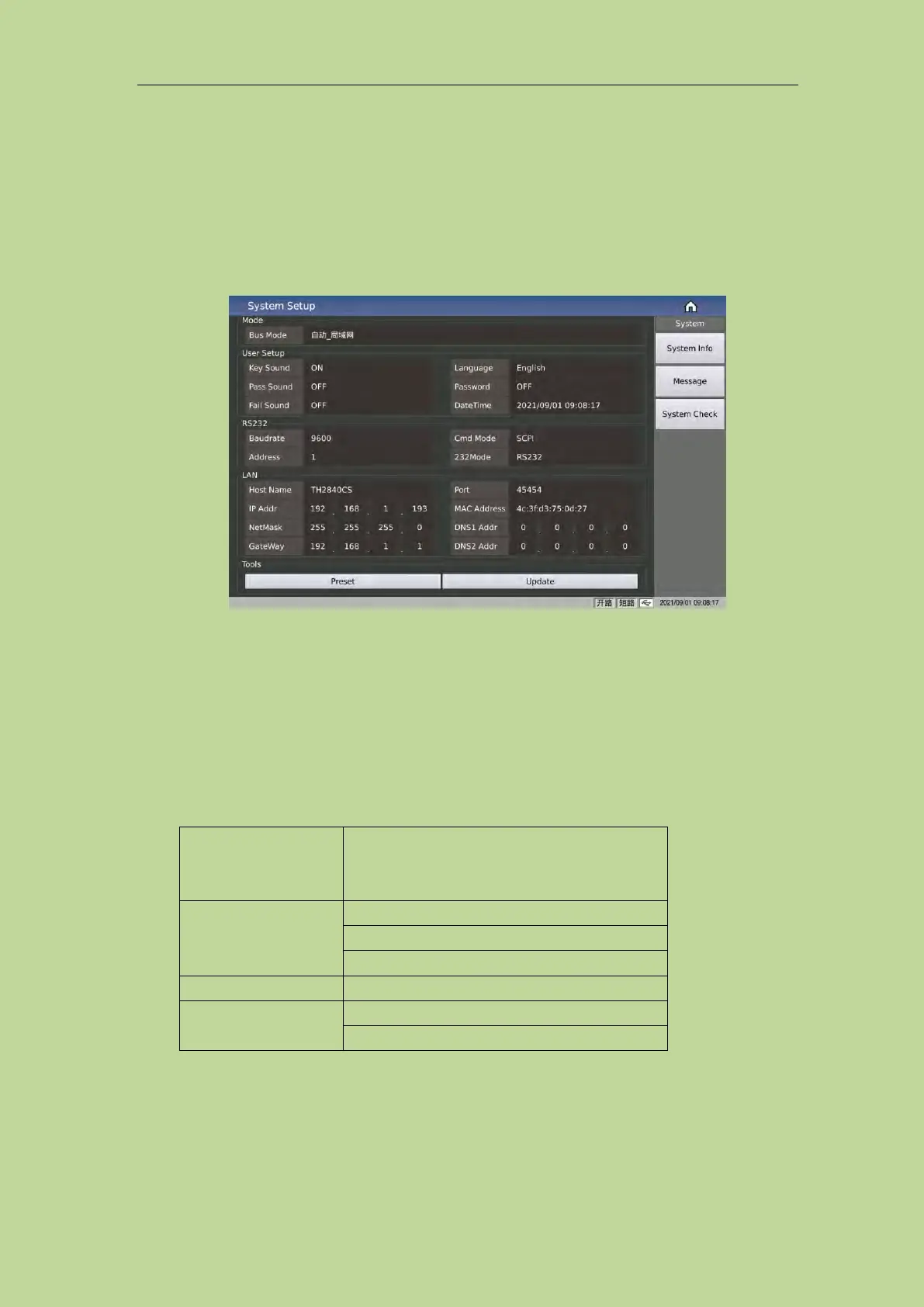
Press the menu key [System] to enter the <System Setup> page. As shown in Figure 4-1-1:
Figure 4-1-1 System Setup
4.1.1 Mode Setup
4.1.1.1 Bus Mode
The bus mode is used to select the communication mode of the instrument.
The options are as follows:
Automatically select the RS232/LAN/USB
communication mode according to the external
signal input
Note: The GPIB option of our company must be installed to support the GPIB mode.
When using the RS485 or GPIB interface, the bus address under the RS232 setting will be used as
the local address.



 To Next Page