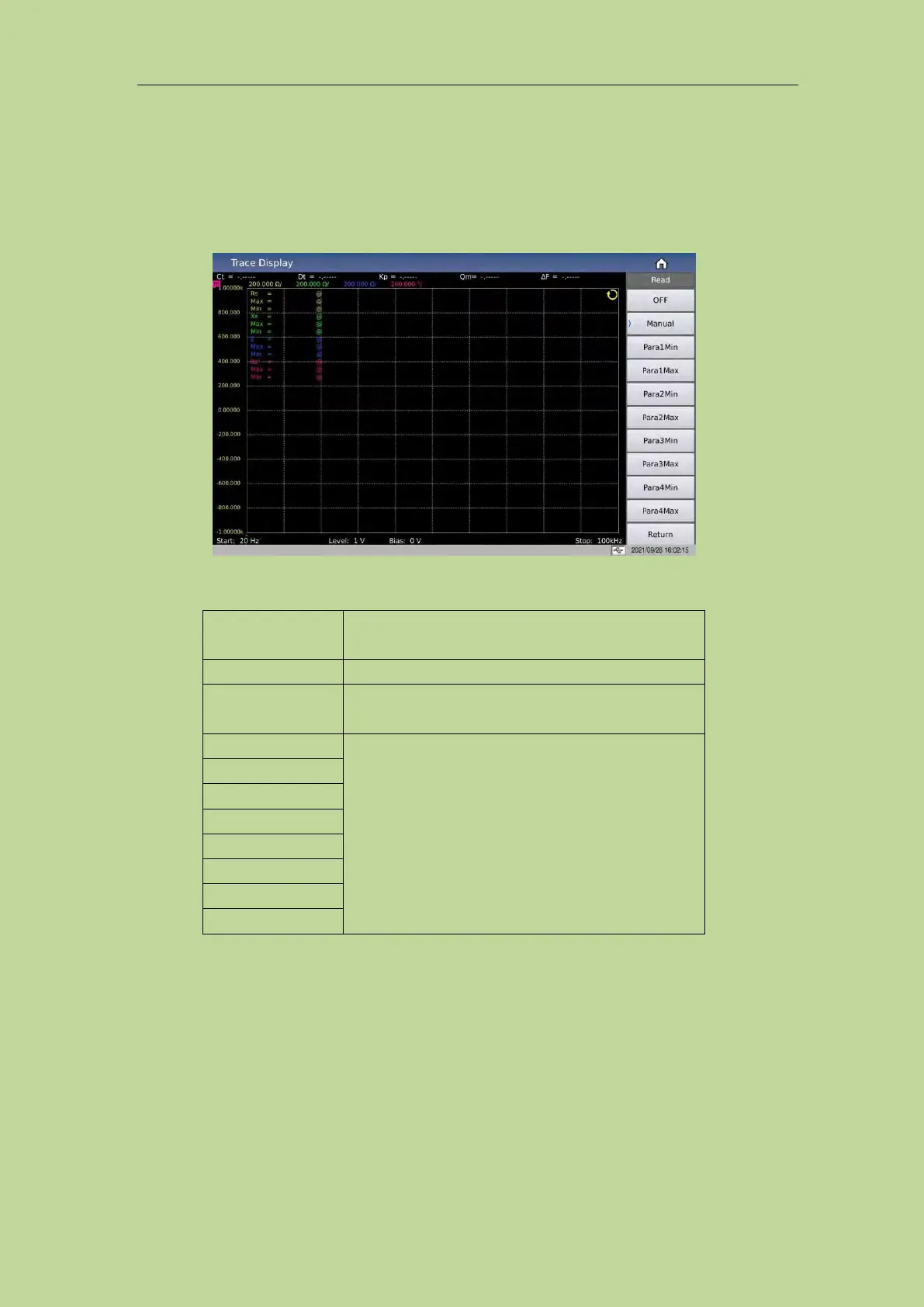
3.3.3 Read
Condition setting for cursor reading
Cursor: It is a red line. You can observe the test results of different parameters under the same
scanning condition by turning the knob or moving the left and right keys. As shown in Figure 3-3-2:
Figure 3-3-2 Read cursor display effect
Value description:
Manually adjust the cursor (knob and left and right
keys)
Automatically track the minimum or maximum
value position of parameter 1/2/3/4
3.3.4 Trace
Through the submenu of the curve button, you can quickly set the sweep points of the curve, the
curve display switch of 4 parameters, the split screen effect of the curve display and other related
functions, as shown in Figure 3-3-3:



 To Next Page