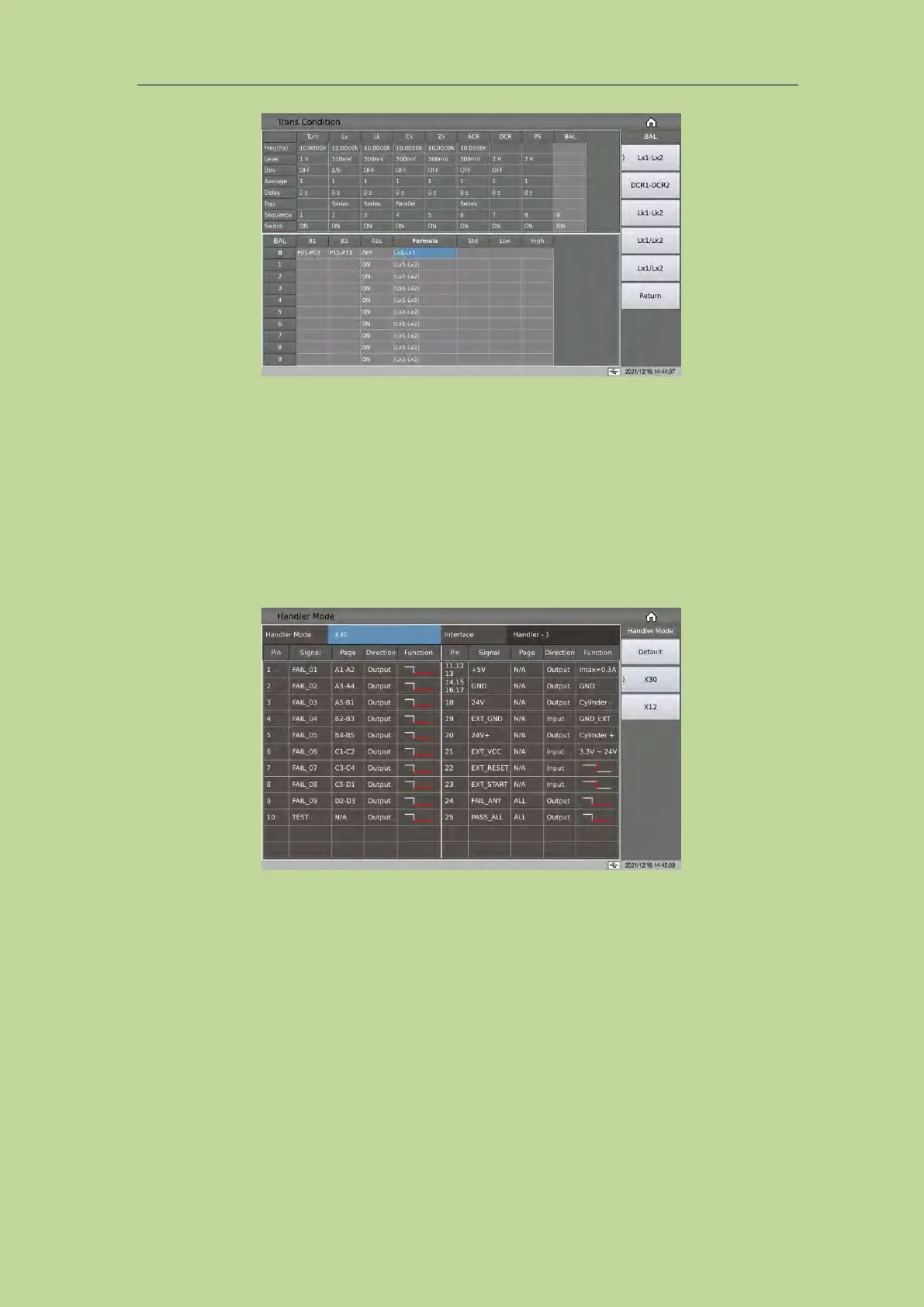
7.11.11 Handler Mode Function
After a scan test, the Handler outputs the final sorting signal according to the settings here.
There are currently three sorting modes: default, X30, X12.
1. Default: output unqualified signals according to the parameters shown in the signal column in the
table.
2. X30: According to the page in the table, a group of two pages will output the unqualified signal.
3. X12: According to the page in the table, a group of five pages will output the unqualified signal.
7.11.12 Parameter copy function
After setting the setting parameters of the transformer A board: such as Pin to Fixture, transformer
pins and test conditions, using the parameter copy function to automatically copy the parameters of
the A board to the B~L boards, which can save the time of repeatedly setting the parameters of the
B~L board.
7.11.13 Statistics Page
On the transformer scan setting page, press the function key [Statistics], it will jump to the
<Statistics> page.



 To Next Page