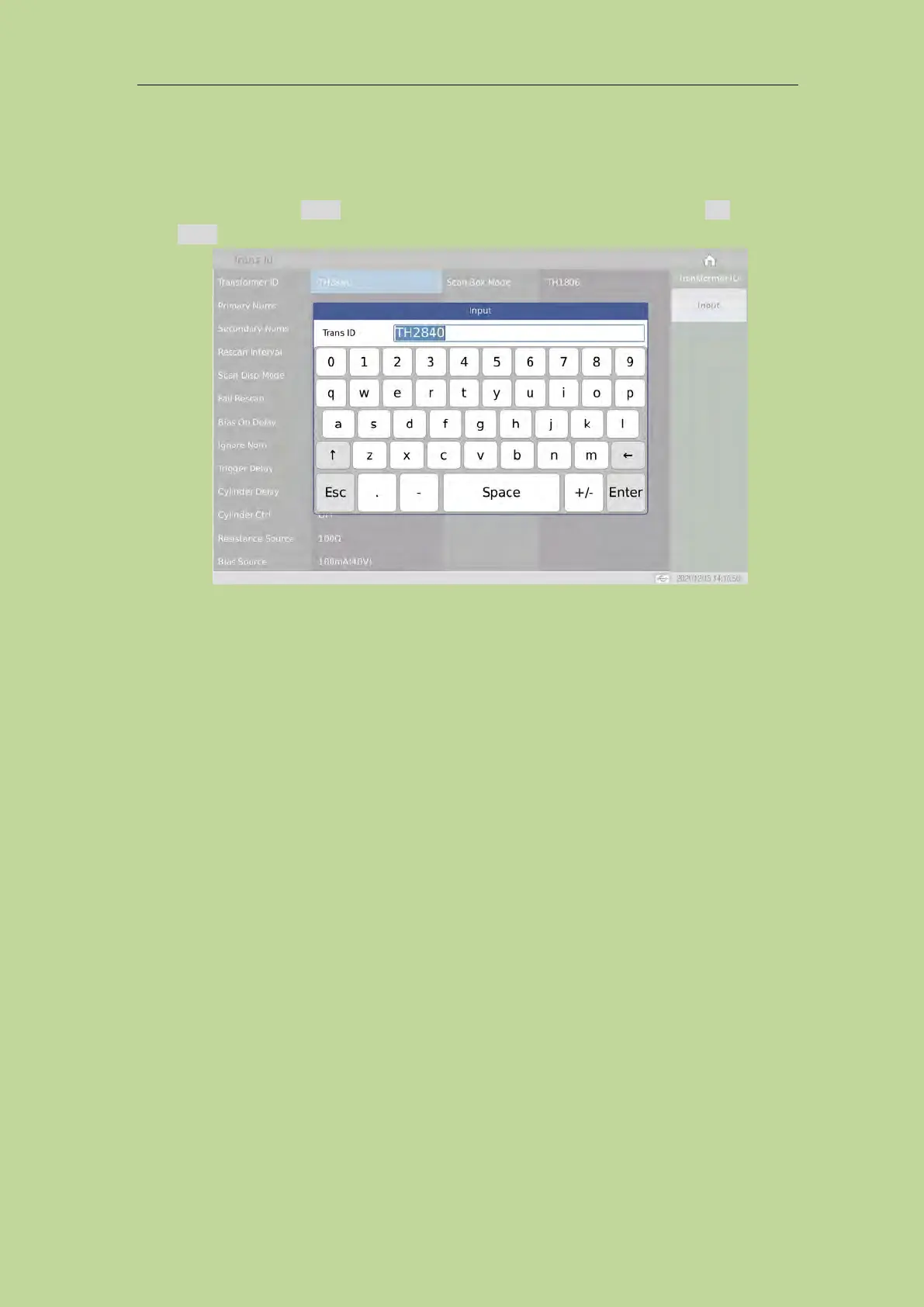
7.8.1 Transformer ID
You can input the transformer ID to be tested in this area. The setting method is as follows:
Press the menu function Input, select the desired character in the soft keyboard, press Esc to cancel,
press Enter to apply the entered transformer ID.
7.8.2 Primary Nums
You can input the number of transformer primary groups in this area. For transformers with multiple
cores, multiple PRIs may be set. The primary numbers range from 1 to 60.
7.8.3 Secondary Nums
You can input the number of transformer secondary groups in this area. The secondary numbers
range from 1 to 9.
7.8.4 Rescan Interval
In this area, you can enter the interval time for automatic continuous testing.
The range of automatic test interval is 0~60s; 0 means no automatic continuous test.
The maximum scan interval is 60 seconds.
7.8.5 Scan Disp Mode
This area is used to set the overall judgement display options, and is used to control the display
mode of the results during the scanning test of the transformer. There are 3 modes:
Data mode: It means that the test data of each parameter is displayed one by one during the
scanning process, but there is no general PASS/FAIL large-character display, which is convenient



 To Next Page