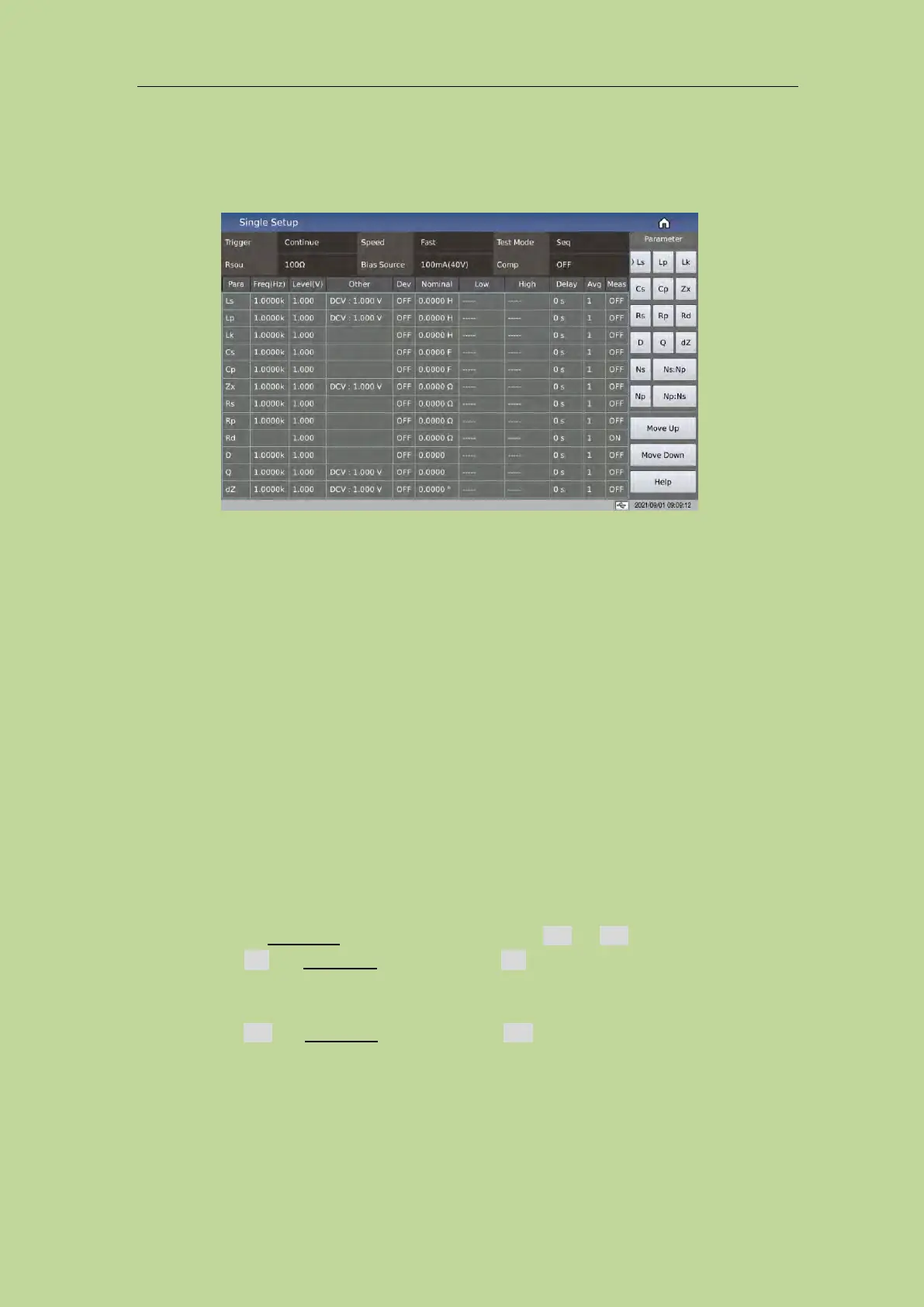
6.2 <Transformer Single Setup>
Press the shortcut key [Home] to enter the function selection interface, as shown in Figure 6-1-1.
Figure 6-1-1 Single Setup
Move the cursor to the Single Setup area or directly touch the single group setting area to enter the
<Single Setup> page.
This display function page is used to set transformer measurement parameters.
6.2.1 Trigger
See the trigger description in the LCR measurement setup chapter.
6.2.2 Speed
See the speed description in the LCR measurement setup chapter.
6.2.3 Test Mode
Move the cursor to Test Mode, the soft key zone will display Seq and Step.
Press Seq, the Test Mode zone will display Seq which means the instrument is in single
trigger mode, trigger once, the instrument will sweep the transformer parameter for a
circle.
Press Step, the Test Mode zone will displays Step which means the instrument is in single
trigger mode, trigger once, the instrument will sweep the transformer parameter for one
time.



 To Next Page