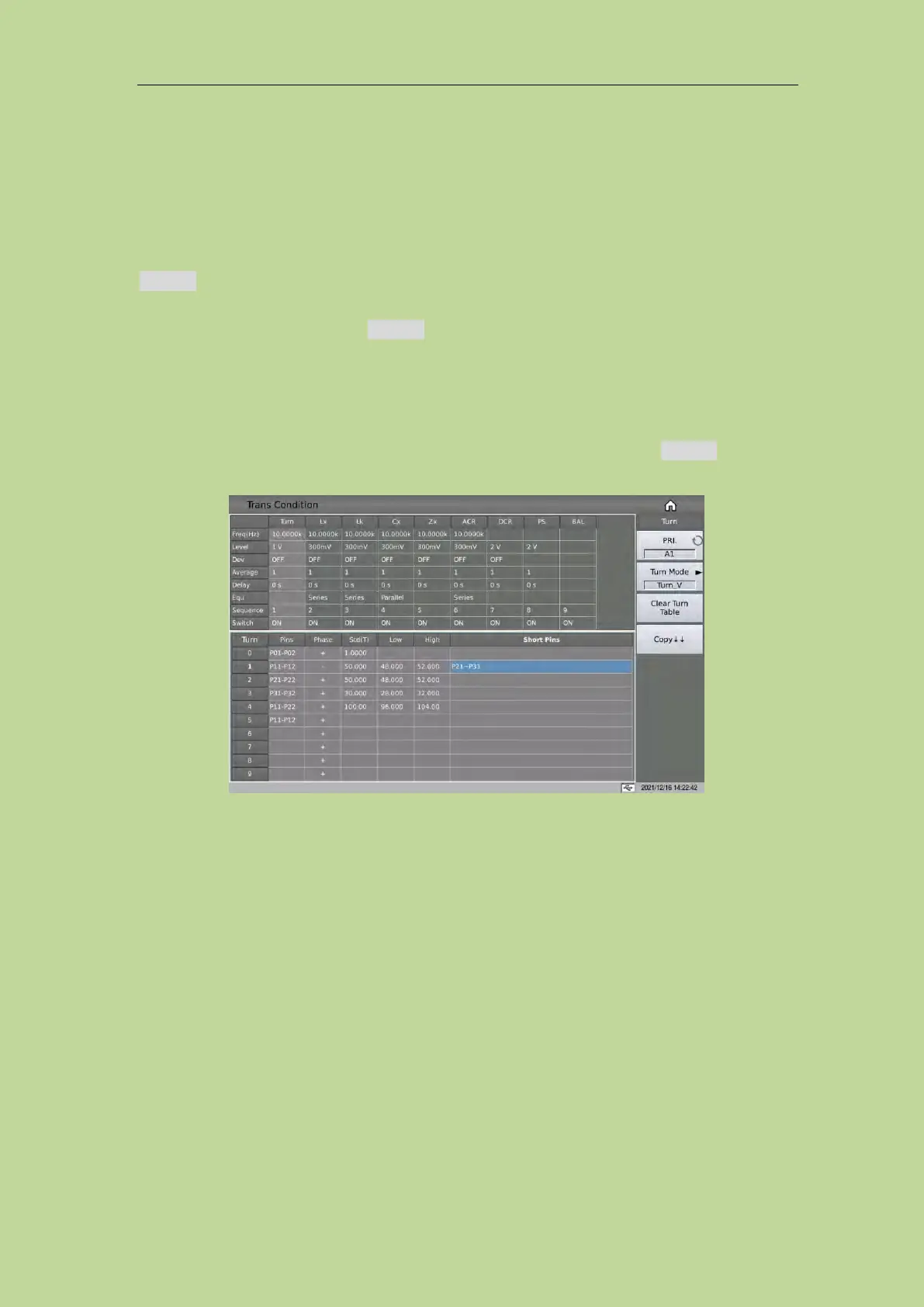
7.11.2.4 TURN Turn-Ratio Short Pins
When setting the turns ratio short pins, you can use the soft key. and ~ to input multiple pins, the
maximum number of pins can be saved here is 48.
Example:
1: Input a discontinuous number "1, 3, 5, 7, 9" and use the soft key. to separate each number, press
ENTER to confirm, the final data displayed in the table is (1, 3, 5, 7, 9).
2: Input a continuous number of "1,2,3,4,5,6,7,8,9", first input the number "1", then press the soft
key ~, finally input "9", press the ENTER key to confirm. After that, the data finally displayed in
the table is (1~9).
Note: The maximum number of turns ratio short pins is 48 and some pins after the excess will be
ignored.
3: Input part of continuous numbers and non-continuous numbers "1,2,3,4,5,7,9", the continuous
part is the same as step 2, the discontinuous part is the same as step 1, press ENTER to confirm,
and the data finally displayed in the table is (1~5,7,9).
7.11.3 Lx Test Conditions Setup
On the <Trans Condition> page, touch or move the cursor to the Lx column of the test condition
table to set the Lx parameters.



 To Next Page