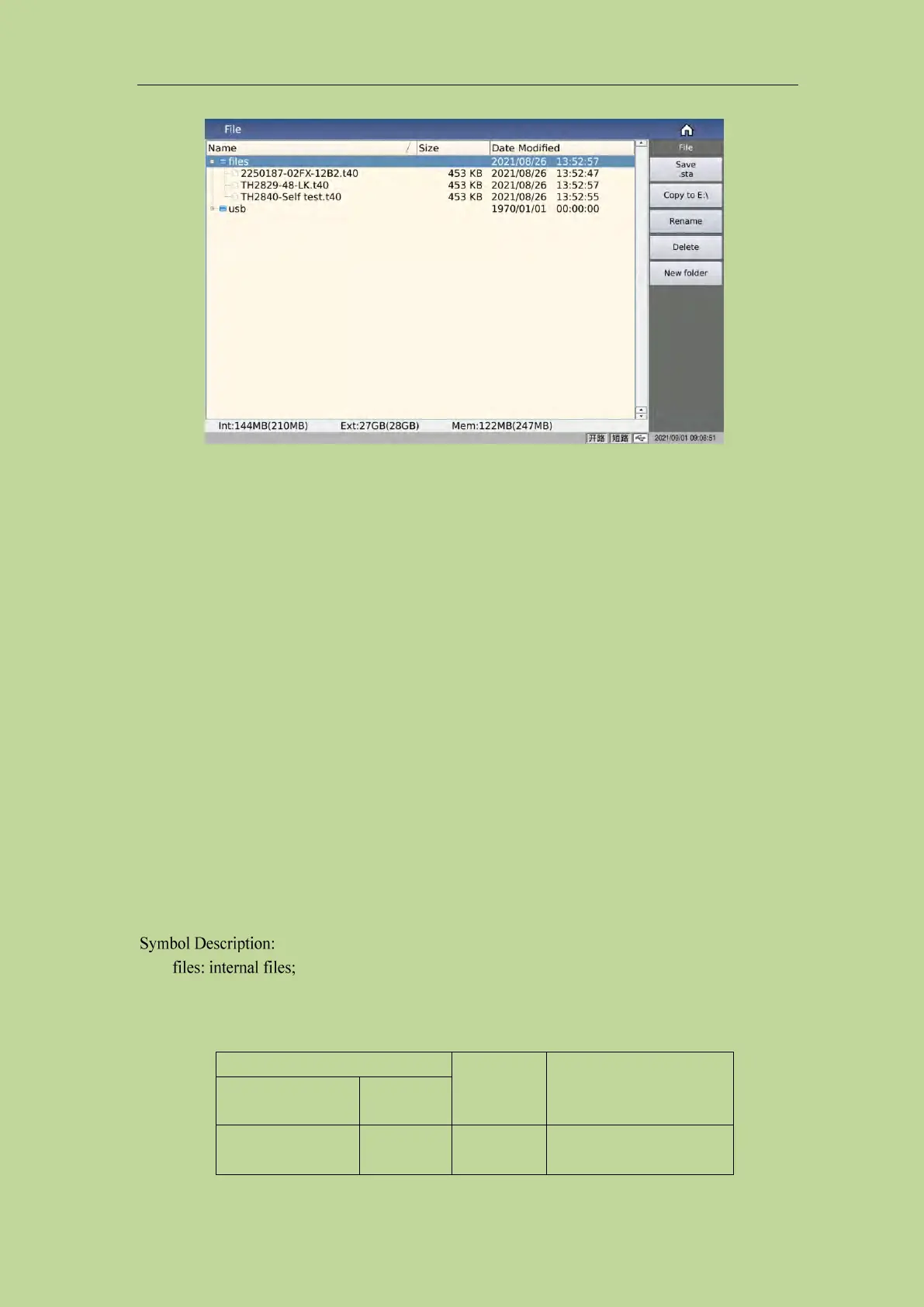
4.2.1 U-disk manage performance
As mentioned above, this series is equipped with a USB HOST interface as standard, and an
external USB flash drive can be used as a storage medium, thus breaking the limitation of the
internal storage size of the instrument. You can also copy these files to an IBM PC with a USB
interface or a desktop computer or Notebook computers compatible with it, so as to achieve
unlimited expansion.
Supports USB storage devices (USB flash drives) with the following performance:
Compliant with USB 2.0 standard
File format: FAT16 or FAT32 (formatted with Microsoft Windows operating system)
4.2.2 Introduction to Store/Recall Function
This section will introduce information about the store/recall function. Through the storage/recall
function, the user can save the instrument configuration information to the internal Flash of the
instrument or an external USB flash drive, and recall it from the internal Flash or external USB flash
drive of the instrument. The test results and screenshots can only be saved in the external USB flash
drive. middle.
usb: external file
The storage methods and uses are introduced. The following table 4-1 explains the available storage
methods and their uses:
Save the LCR test
configuration status of



 To Next Page