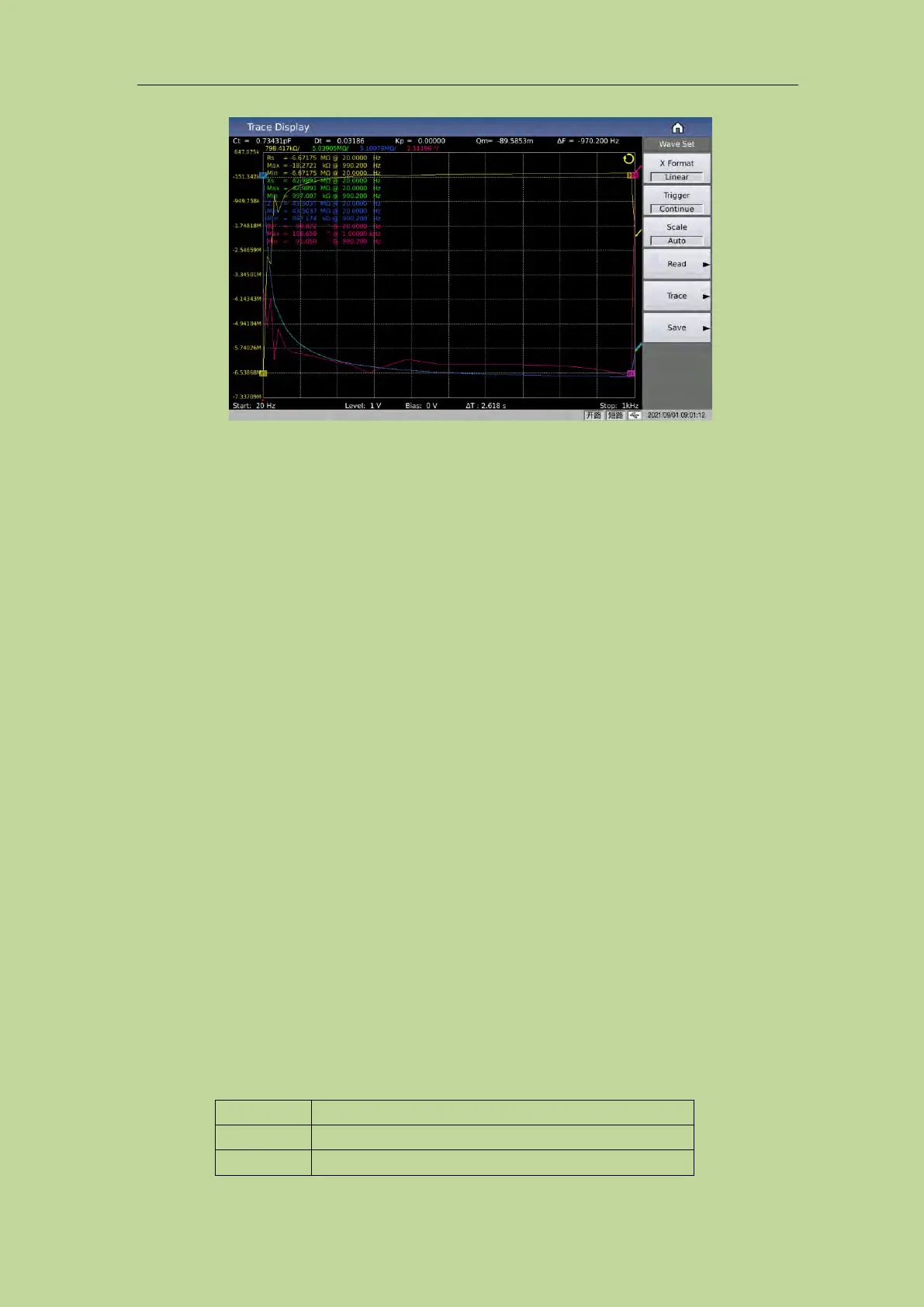
Figure 3-3-1 Trace display
In this display function page, each scan will perform automatic scan measurement of the tested
component at 51, 101, 201, 401 or 801 point frequency in a linear or logarithmic manner with
increasing conditions within the user preset mode range. Dynamic display of the response curve of
the main and secondary parameters of the component under test with the change of the mode
conditions on the LCD screen, the result of any point within the scanning range can be read on the
screen. Simultaneously, the maximum and minimum measurement values and corresponding test
conditions of the component under test within the scan range will be displayed.
Note: After the user has set the scanning conditions, the user must press the [Trigger] key on the
front panel to start scanning. Press the [Reset] key once to pause the test, and press it again to reset
and rescan.
3.3.1 Trigger
It is used to quickly set the trigger mode of the curve, refer to the trigger settup on the measurement
setting page.
3.3.2 Scale
It is used to automatically set the Y-axis coordinate range corresponding to the curve. In the case of
Auto, the Y-axis scale range will be dynamically adjusted with the size range of the test result to
ensure that the drawn curve is in the display range;
It is recommended that when the DUT is relatively stable, you can let the scale automatically select
a relatively suitable scale range, and then set it to be fixed, and then manually press the up and down
direction keys to fine-tune the display range according to the actual situation.
Parameter setting attributes: enumerated type.
Optional parameters:
The scale will adjust automatically
The scale is fixed, but can be adjusted manually



 To Next Page