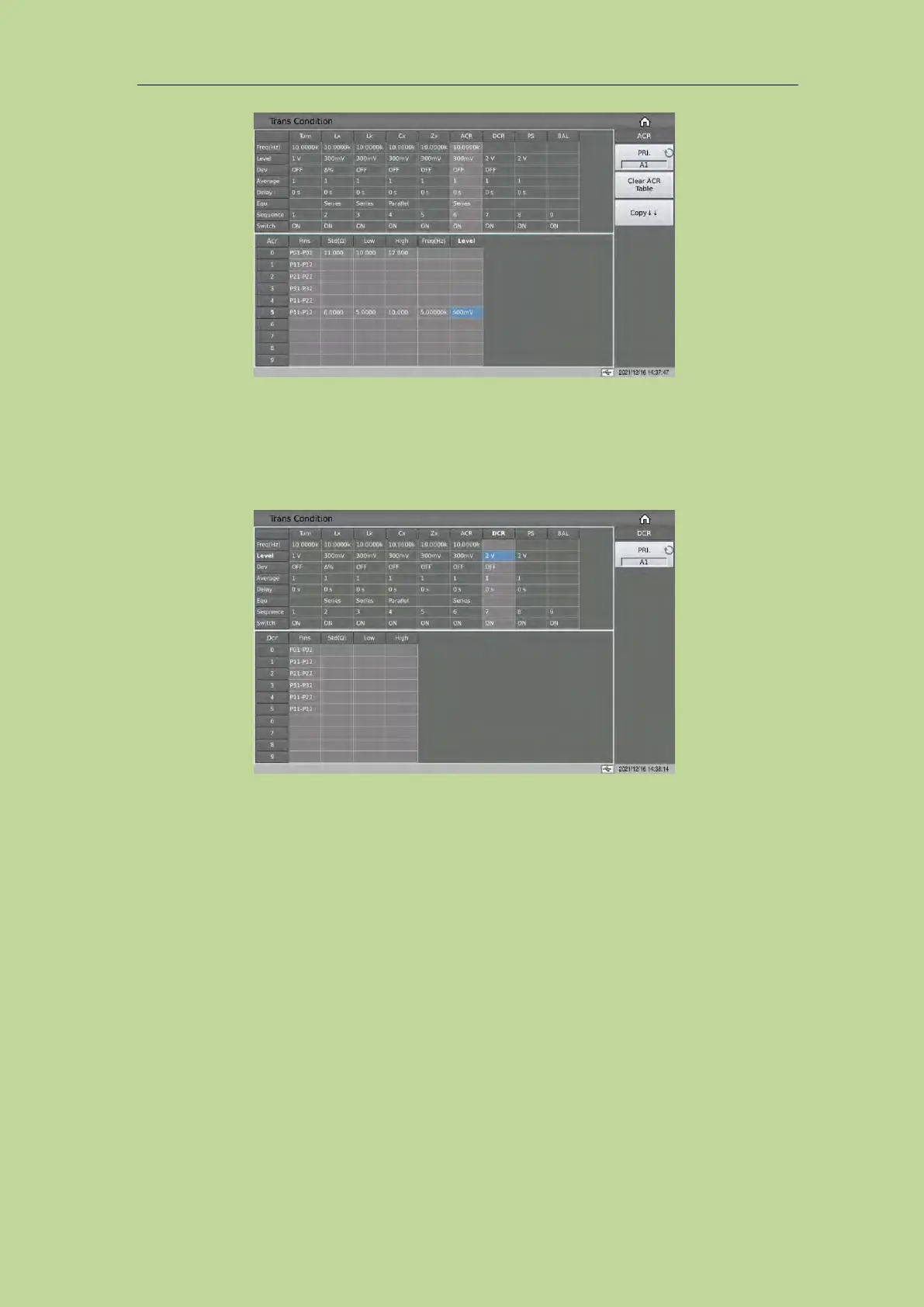
7.11.8 DCR Test Conditions Setup
On the <Trans Condition> page of the transformer scan, touch or move the cursor to a column of
DCR in the test condition table to set DCR parameters.
7.11.8.1 DCR Limit Setup
The DCR limit setting table is used to set the standard value, upper and lower limit of DCR.
Touch the DCR limit setting table, or move the cursor to the DCR limit setting area, and use the
numeric keys, corresponding magnification or [ENTER] key to set.
The magnification corresponding to DCR is M, k, μ, m, and the [ENTER] key is x1.



 To Next Page