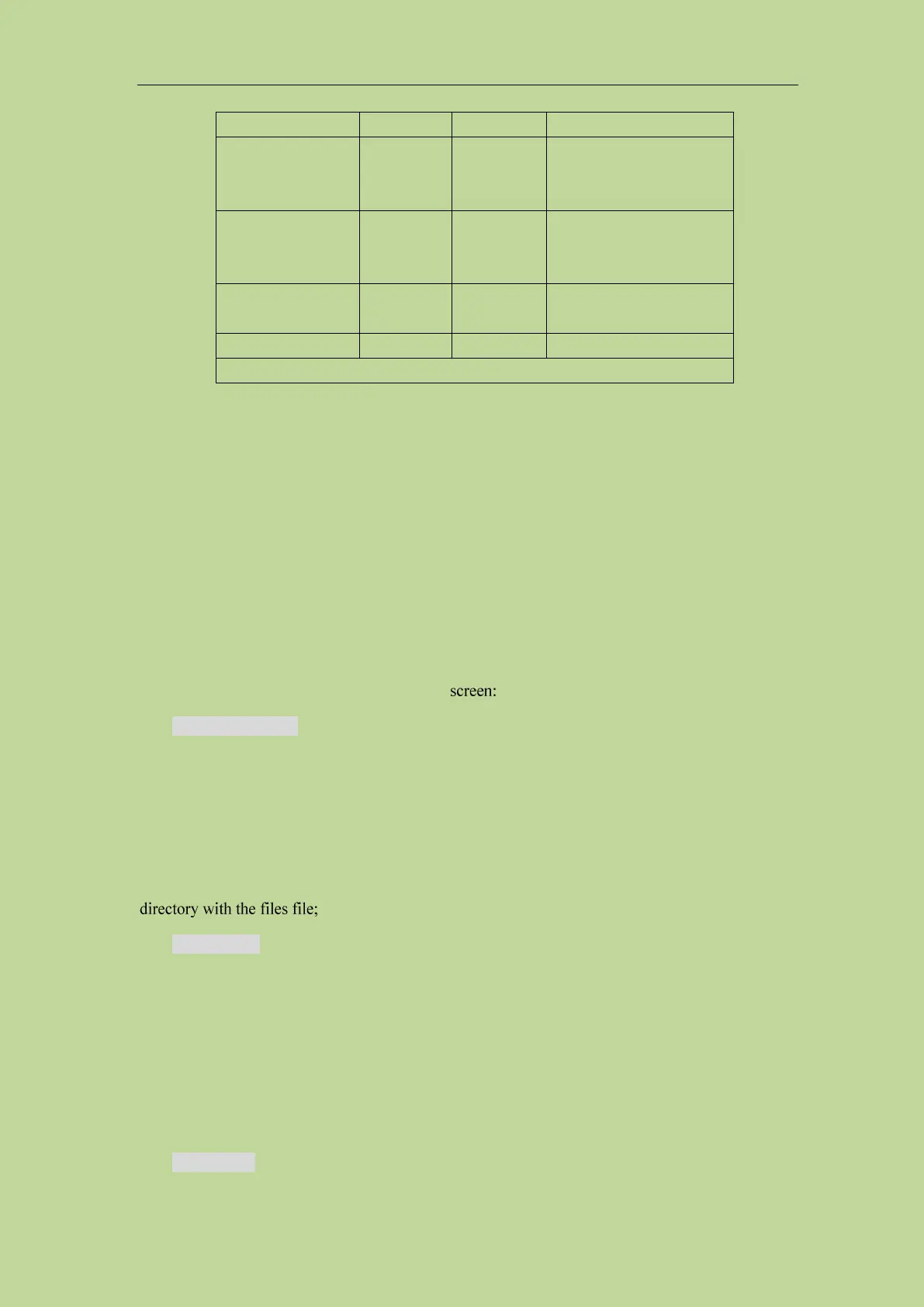
Transformer single
group setting file
Save the instrument's
transformer single-group
test configuration status
Transformer sweep
setting file
Save the instrument's
transformer sweep test
configuration status
Save a screenshot of the
instrument
Table 4-1 Storage methods and uses
4.2.3 Basic menu operation of file management
The various operations on the file are as follows:
The up and down keys and the knob of the arrow keys are used to move the file cursor up and down,
and the left and right keys of the arrow keys are used to operate the expanded state of the current
path;
Click to select the file name to be operated, and the operation can be performed as follows
according to the toolbar on the right side of the
Save .sta/.trt/.t40
According to the main mode of the current test, it mainly corresponds to the LCR mode, the
transformer single group mode, and the transformer sweep mode. The default menu is the
corresponding file save menu. When the focus of the file list is under the files path, the
measurement will be performed after inputting the file name. The setting file is saved in the root
Copy to E:\
When the cursor is under the path corresponding to files, copy the file or folder corresponding to the
cursor to the USB root directory;
Note: If the file to be copied is a file, it will overwrite the file in the usb path when there is a file
with the same name in the usb; if the file to be copied is a folder, please make sure that there is no
folder with the same name in the USB root directory, otherwise it will cause Copy failed.
Copy to I:\



 To Next Page