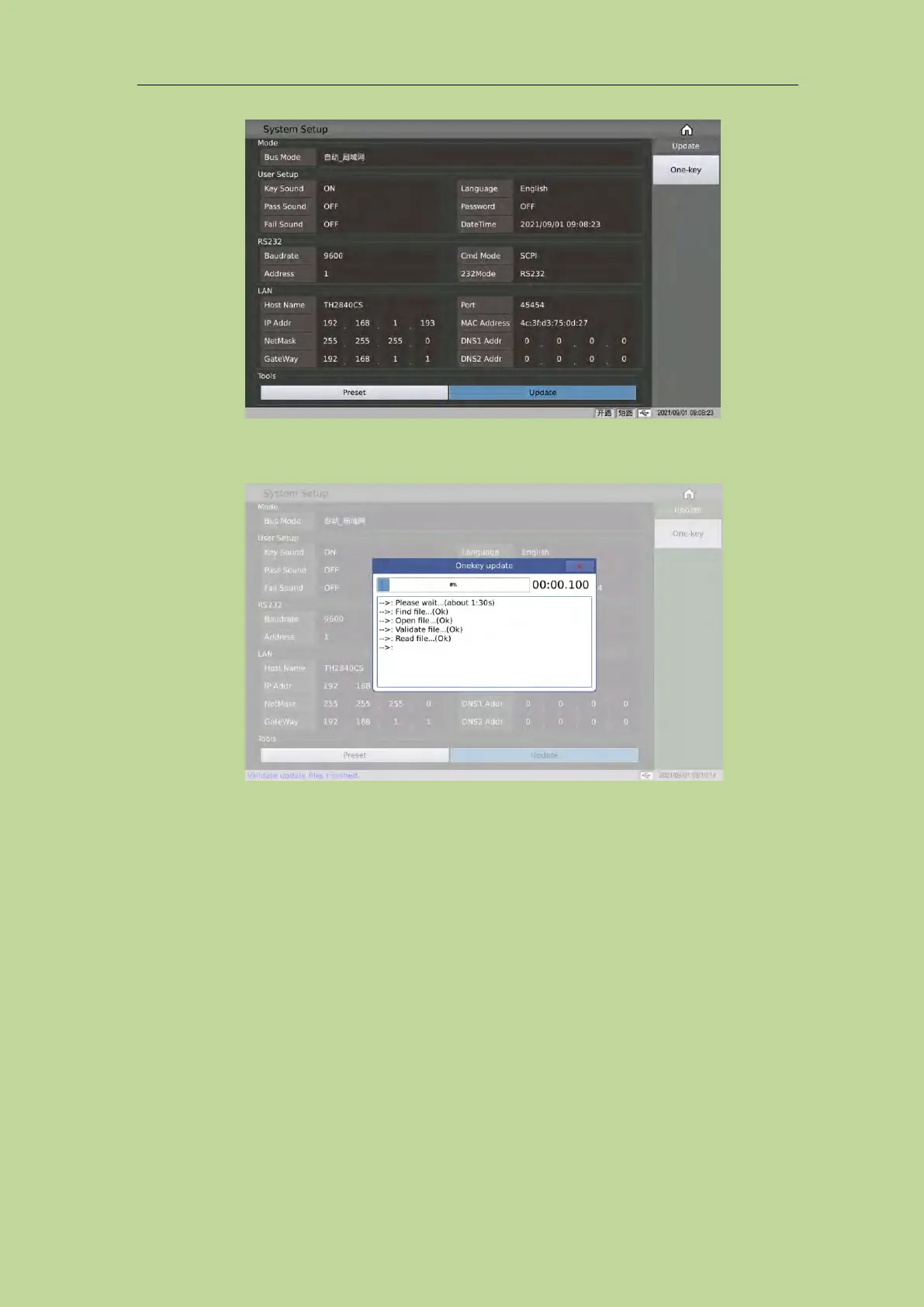
Figure 4-1-2 Upgrade menu
The dynamic prompt window of one-click upgrade is shown in Figure 4-1-3:
Figure 4-1-3 Upgrade waiting prompt
4.2 <File>
Because this series is equipped with an embedded system, it is very convenient to store the
parameters set by the user in the form of a file in the system internal or external U disk. When the
same settings are to be used next time, the user does not need to reset these parameters , Just load
the corresponding file, you can get the last set parameters. This greatly saves the user's time to
repeatedly set parameters and improves production efficiency.
Press the soft key [File] to enter the <File> function page. As shown in Figure 4-2-1:



 To Next Page