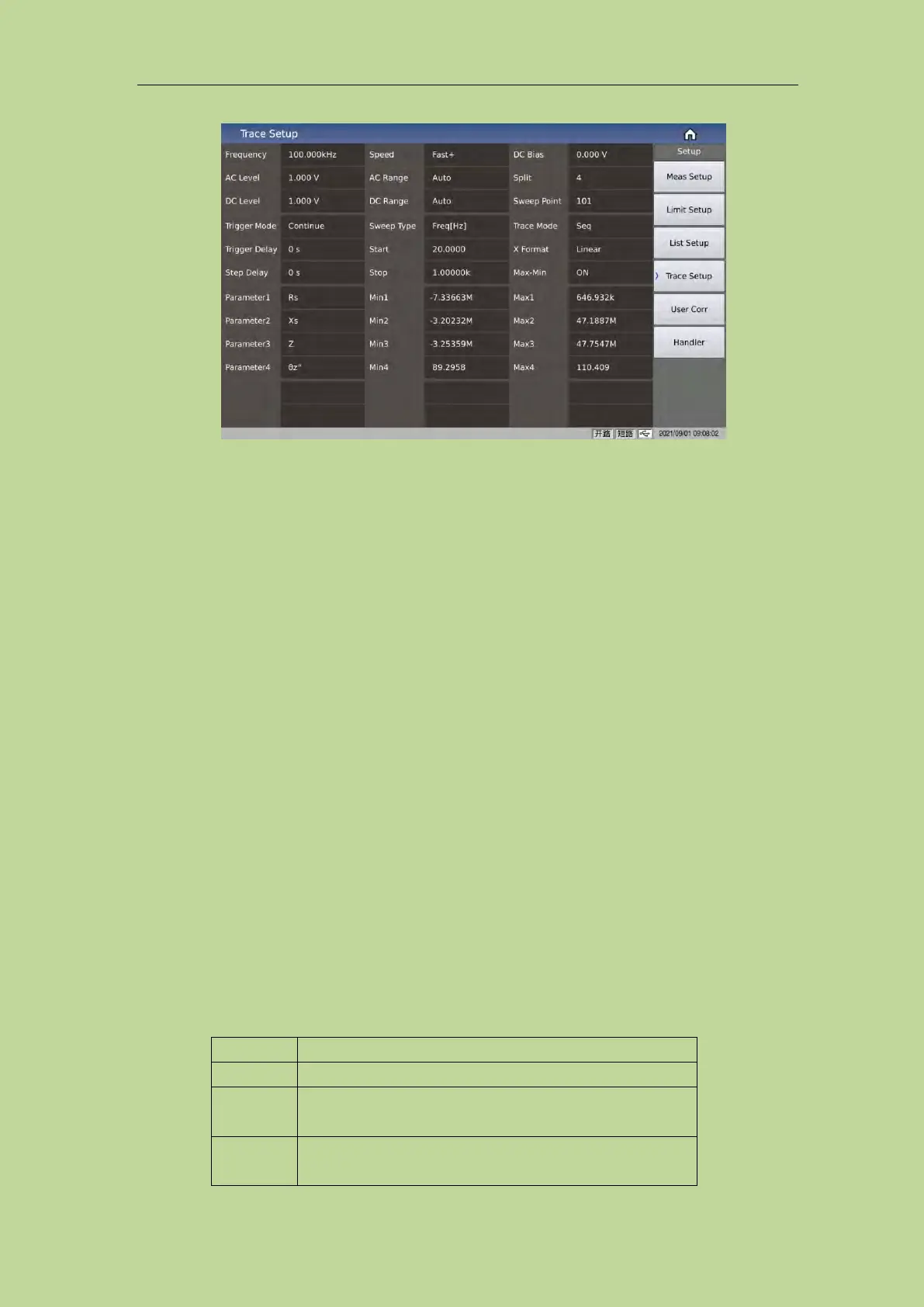
Figure 3-7-1 Trace Setup
This display function page is used to complete the setting of trace sweep measurement parameters,
including split, sweep point, sweep type, start condition, stop condition, trace mode, X Format,
Max-Min switch, 4 parameters, and Y display range, etc.
3.7.1 Common test conditions
Frequency, level, speed, range, offset, trigger, delay, etc. are all common test conditions, and their
meaning and setting method are exactly the same as the description on the measurement setting
page.
3.7.2 4 sweep parameters
The 4 sweep parameters are used to specify the result parameters of the trace sweep, that is, to draw
the test results under certain conditions into a curve;
The 4 sweep parameters and the conventional component 4 test parameters are independent of each
other and not directly related. Optional parameters can be selected except RD;
The 4 sweep parameters correspond to 4 curves, each curve has independent display switch, display
scale and independent ordinate scale, but share the same abscissa scale.
3.7.3 Spilt
For the curve display effect, 3 kinds of split screen display are available:
All curves are displayed in the same drawing window
4 parameters are grouped in pairs and displayed in the
corresponding drawing window
4 parameters are displayed independently in their
respective drawing windows



 To Next Page