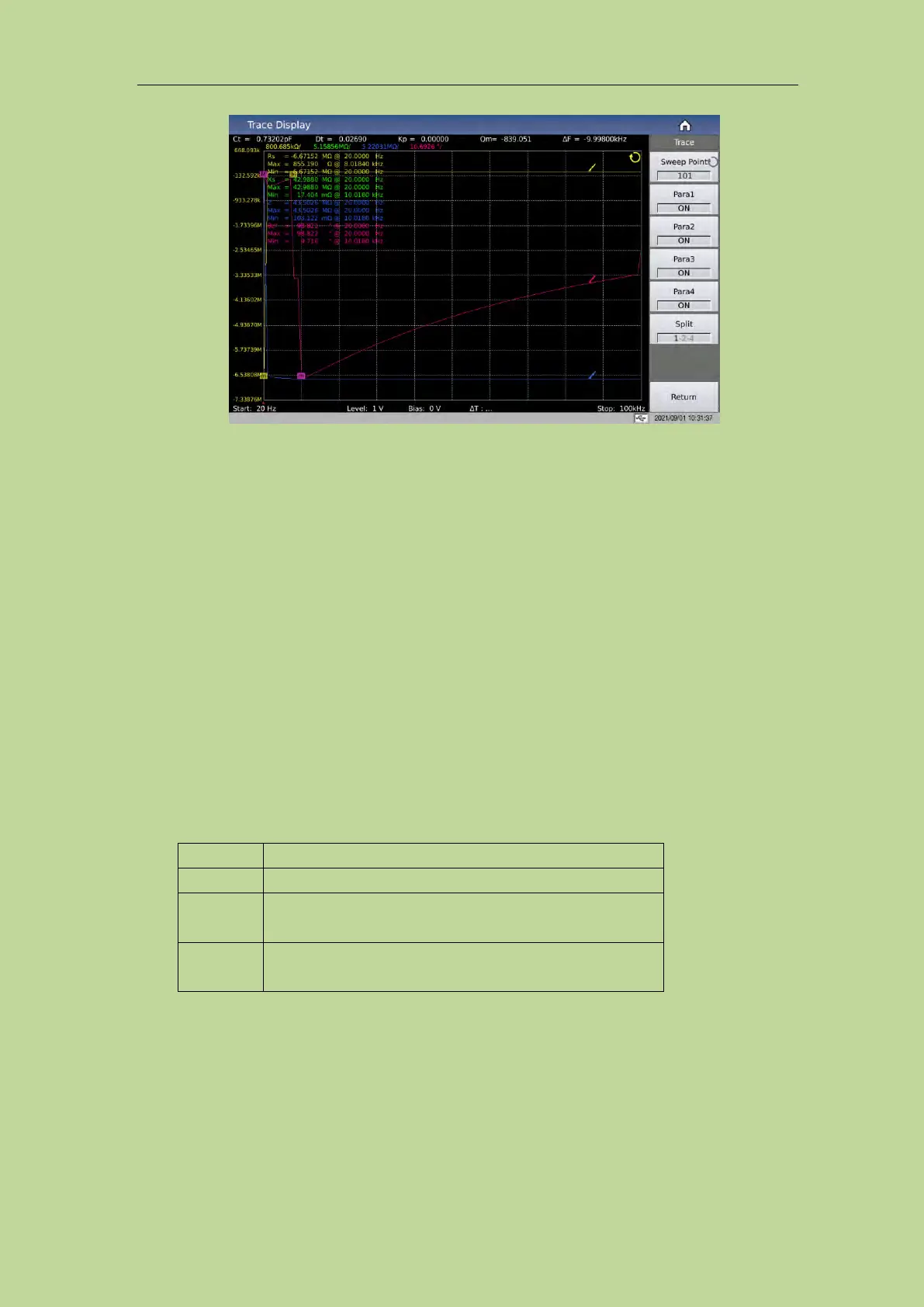
Figure 3-3-3 Curve button setting menu
3.3.4.1 Sweep point
This parameter controls the number of points the instrument scans. That is, the number of points to
be stepped within the start and end conditions. The system sets the number of measurement points in
five groups: 51, 101, 201, 401, and 801. The more scan points you select, the more precise the
image will be drawn, but the scan time will be longer. The system default points is 201.
3.3.4.2 Parameter switch
It is used to open or close the drawing switch of the specified parameter;
3.3.4.3 Split
The split screen effect of the curve display, the split screen options provided are:
All curves are displayed in the same drawing window
4 parameters are grouped in pairs and displayed in the
corresponding drawing window
4 parameters are displayed independently in their
respective drawing windows
The 2-split screen display effect is shown in Figure 3-3-4:
The 4-split screen display effect is shown in Figure 3-3-5:



 To Next Page