5.5.2.1 Set basic parameters
Press [Display] to enter into the <Meas Display> page.
The Parameter zone is currently displayed as Cp, D and the Level zone is 1.000V.
Press [Setup] to enter into the <Meas Setup> page, meanwhile the following soft keys will be
displayed in the soft key zone: Meas Setup, User Corr, Limit Setup, List Setup and File.
Press the List Setup button to enter into the <List Setup> page.
Press the knob to move the cursor to the parameter area of sweep point 1, modify the test conditions
of the current point, including Frequency, Level, Bias, Limit, Delay, etc.
5.5.2.2 Sound setup
Press [System] to enter into the <System Setup> page.
Move the cursor to the Fail Sound zone to select High Long.
Mount the test fixture (TH26005) to the test terminals of the tester.
Execute correction function (To avoid the influence of the stray impedance on the measurement
accuracy, it is necessary to execute open/short correction (refer to chapter 5.1.1 Sweep Correction)).
Insert the tested capacitor to the test fixture.
Execute test operations.
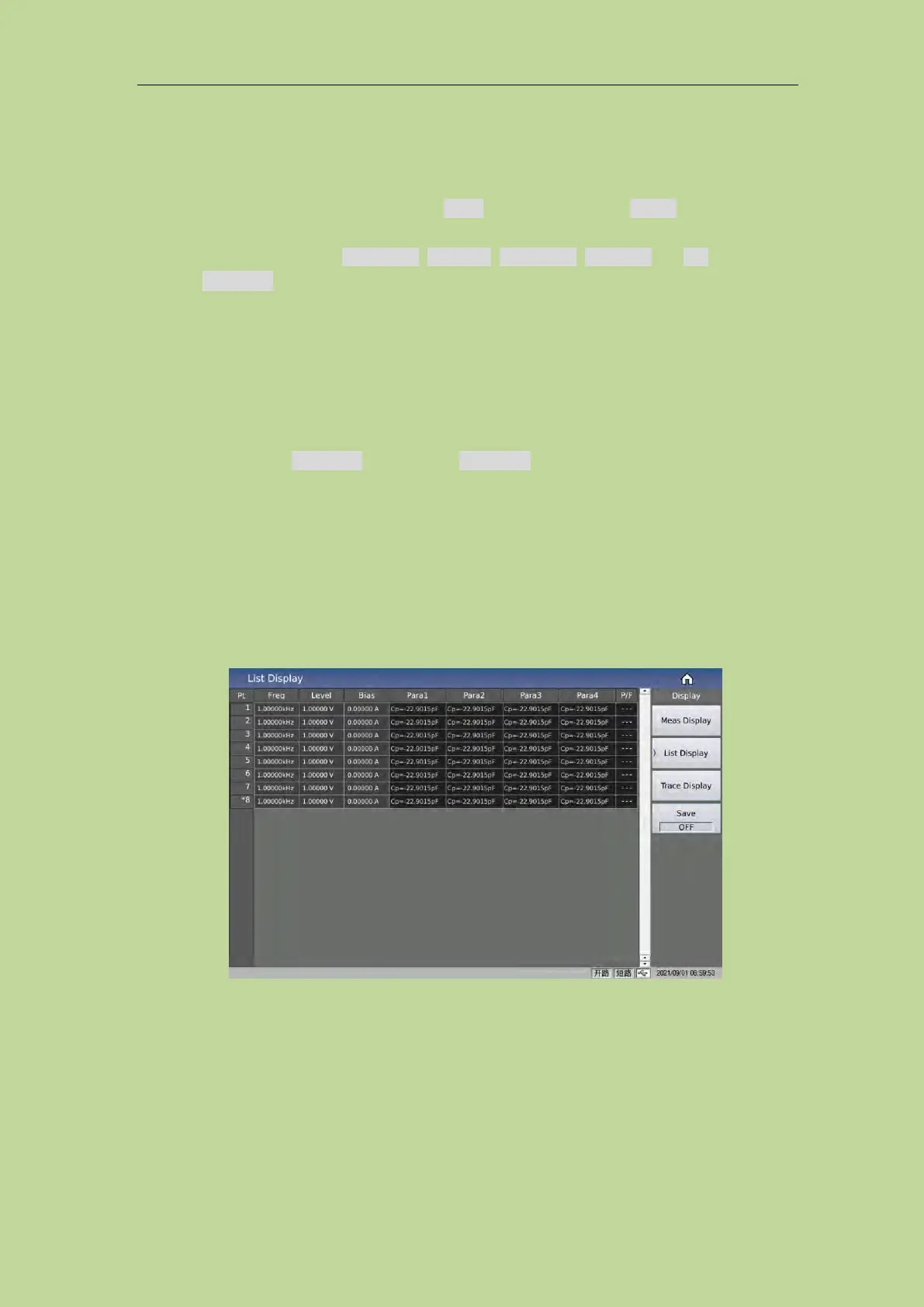
Press [Display] and then List Sweep to enter into the <List Sweep Display> page. The instrument
will test continuously and then display the test and the compare results on page. If the compare
result is Pass or Fail, there is a sound alarm. As shown below:
If the test result is obviously incorrect, please check the following items.
Check the tested inductance is in good connection with the test fixture or not.
Check the test fixture is in good connection with the test terminals of the instrument or not.
Redo the open/short correction.
NOTE: When the sweep open/short correction is used, the point-frequency correction function
should be set as OFF. Refer to Correction operation in this chapter.



 To Next Page