FM-750 Display User Guide 51
Vehicle 4
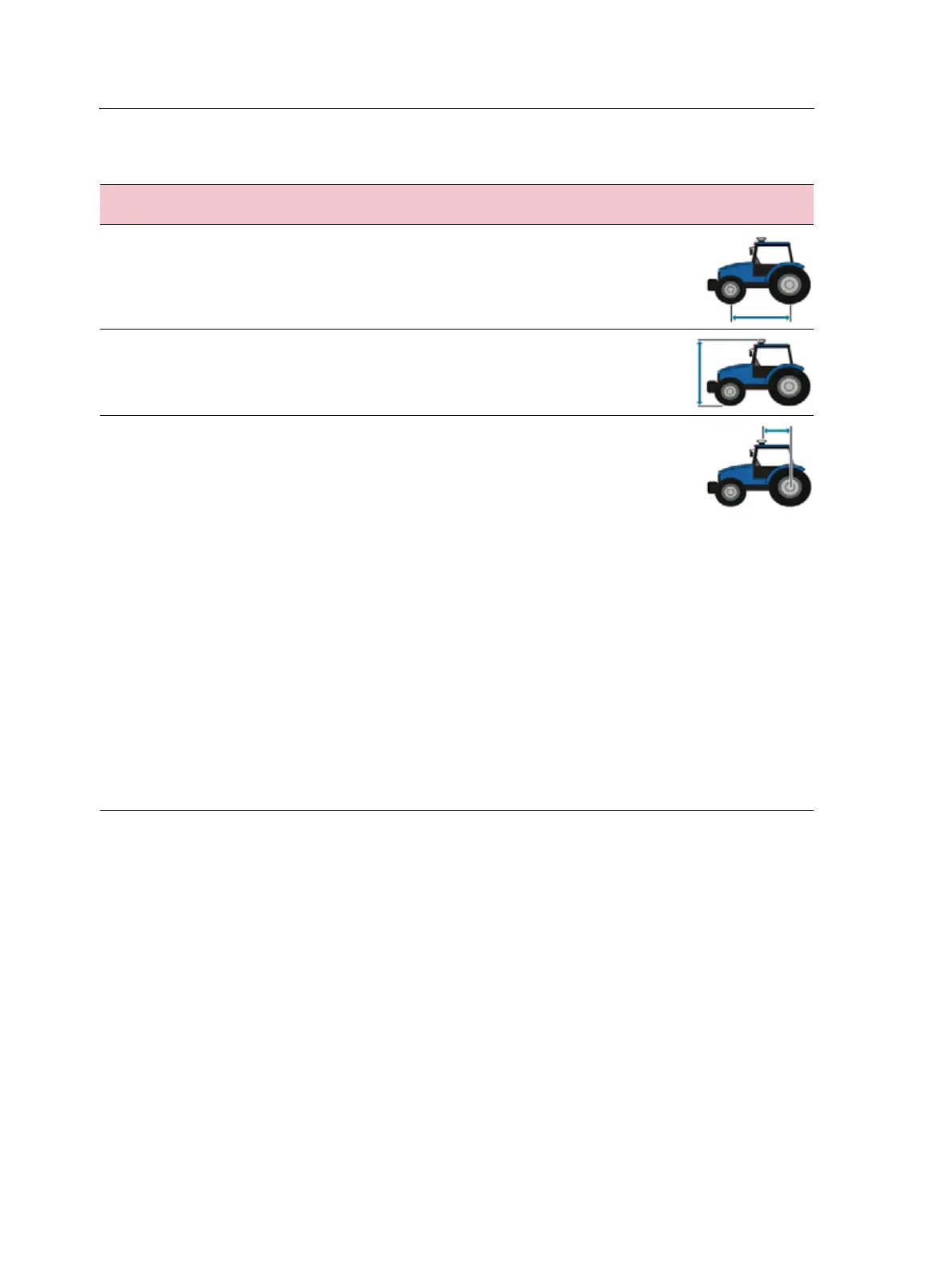
3. Take the vehicle measurements:
T2 roll calibration
Calibrating the T2 roll sensor enables the display to calibrate terrain compensation in
the EZ-Steer controller. This step requires you to:
• Enter an accurate value for controller orientation.
• Park the vehicle and mark the inside of both sets of wheels.
• Remain stationary while the system calculates the roll offset. This takes
approximately 20 seconds.
• Turn the vehicle around and ensure the wheels are over the positions marked in
the previous step.
• Remain stationary while the system calculates the roll offset. This takes
approximately 20 seconds.
To take this
measurement ...
Measure from the ...
Wheelbase Center (the axle) of the front wheel to the center of the back wheel.
Note that the wheelbase measurement for:
• Tracked vehicles, is exactly half of the length of the track
• Articulated 4WD vehicles, is half of the distance between the
center of the front and rear wheels.
Antenna height Ground to the top of the GPS antenna.
Antenna to axle
offset
Center (the axle) of the front or rear wheel to the top of the GPS
antenna.
Note – Make sure that you take this measurement to within 7.6 cm
(3 in.) as an incorrect distance may result in poor steering
performance.
Take the measurement from the antenna to the correct point of your
vehicle, as follows:
• Rear axle:
-MFWD
-Sprayer
- Floater
-Truck
• Front axle:
- 4wd tractor
- Combine
• Track center:
- Tracked tractor
If the antenna is:
•in front of the axle, enter a Forward distance
• behind the axle, enter a Behind distance



 To Next Page