10-48Support Software
Control Panel
Trio Motion Technology
Control Panel Features
Fixed/Editable radio buttons
When the project is “fixed”, the programs are cop-
ied to the Flash EPROM on the Motion Coordinator,
the Motion Coordinator is set to run from EPROM
and the programs cannot be modified by Motion
Perfect. Usually this is done when the machine programs are completed. The
Flash EPROM provides a reliable permanent storage for the programs.
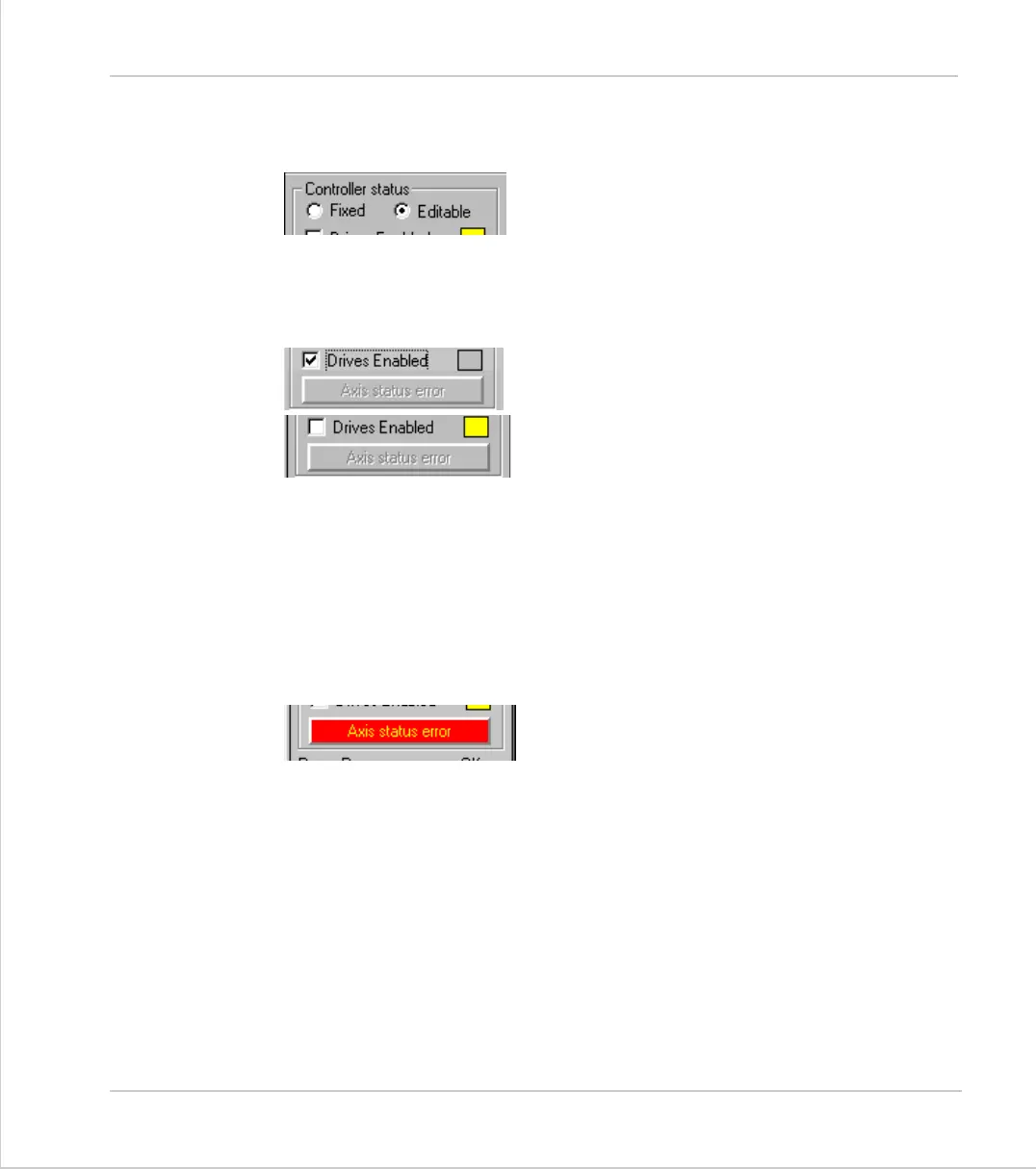
Drives radio button
Drives Enabled
Drives Disabled
This radio button toggles the state of the enable (watchdog) relay on the control-
ler, going between drives disabled (watchdog off) and drives enabled (watchdog
on).
The LED mimic next to this control shows the status of the error LED on the
Motion Coordinator. If it is yellow then the drives are disabled, if it is grey the
drives are enabled and if it is flashing then there has been a motion error on at
least one axis of the controller.
Axis Status Error
This will normally be greyed out unless a motion
error occurs on the controller.
When an error does occur you can use this button
to clear the error condition.



 To Next Page