10-50Support Software
Control Panel
Trio Motion Technology
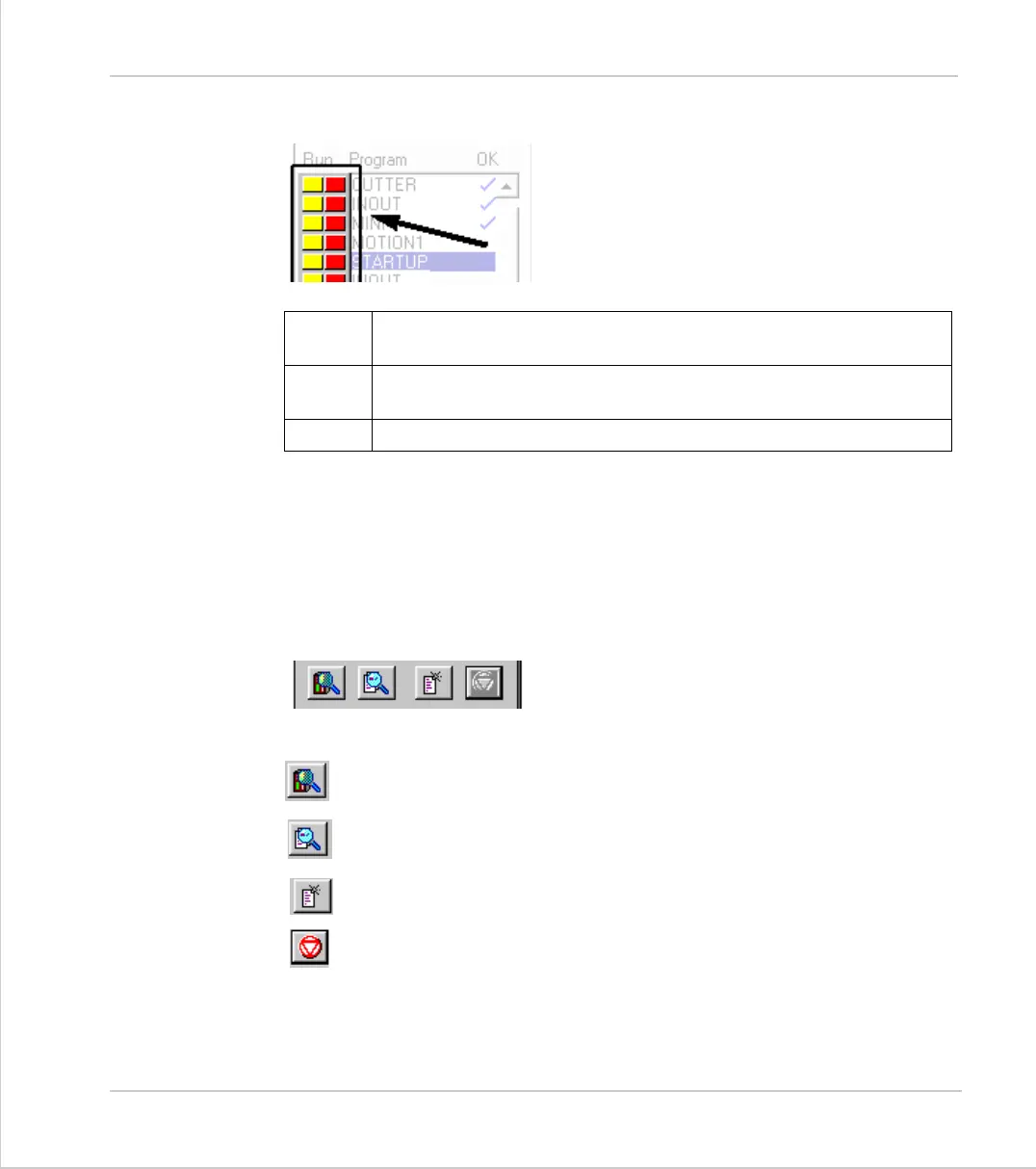
Run buttons
The run buttons provide short cut keys for run-
ning, stopping and single stepping programs. They
can be in one of three states, red, green or yellow.
* If the program goes into trace mode, through the use of a trace button, the
selected program step button, the debug option of the program menu, the debug
button on the tool bar or a TRON/STEPLINE command in a program or the termi-
nal window, then the red/green run button will turn yellow. If the button is
clicked when it is yellow then the program will be stepped one line.
General Options
Show Controller Configuration
Show a full directory of all programs in memory
Create a New Program. Same as the Program menu item.
HALT - Stop all programs which are running
RED
Click on the red button to start the corresponding program running.
The button will turn Green. *
GREEN
Click on the green button to stop the corresponding program. The
button will turn red. *
YELLOW
Click on the yellow button to single step through the program.



 To Next Page