100 • Cap Inspector Calibration User Guide Ver. 7.1.0 2100 Cap Inspector
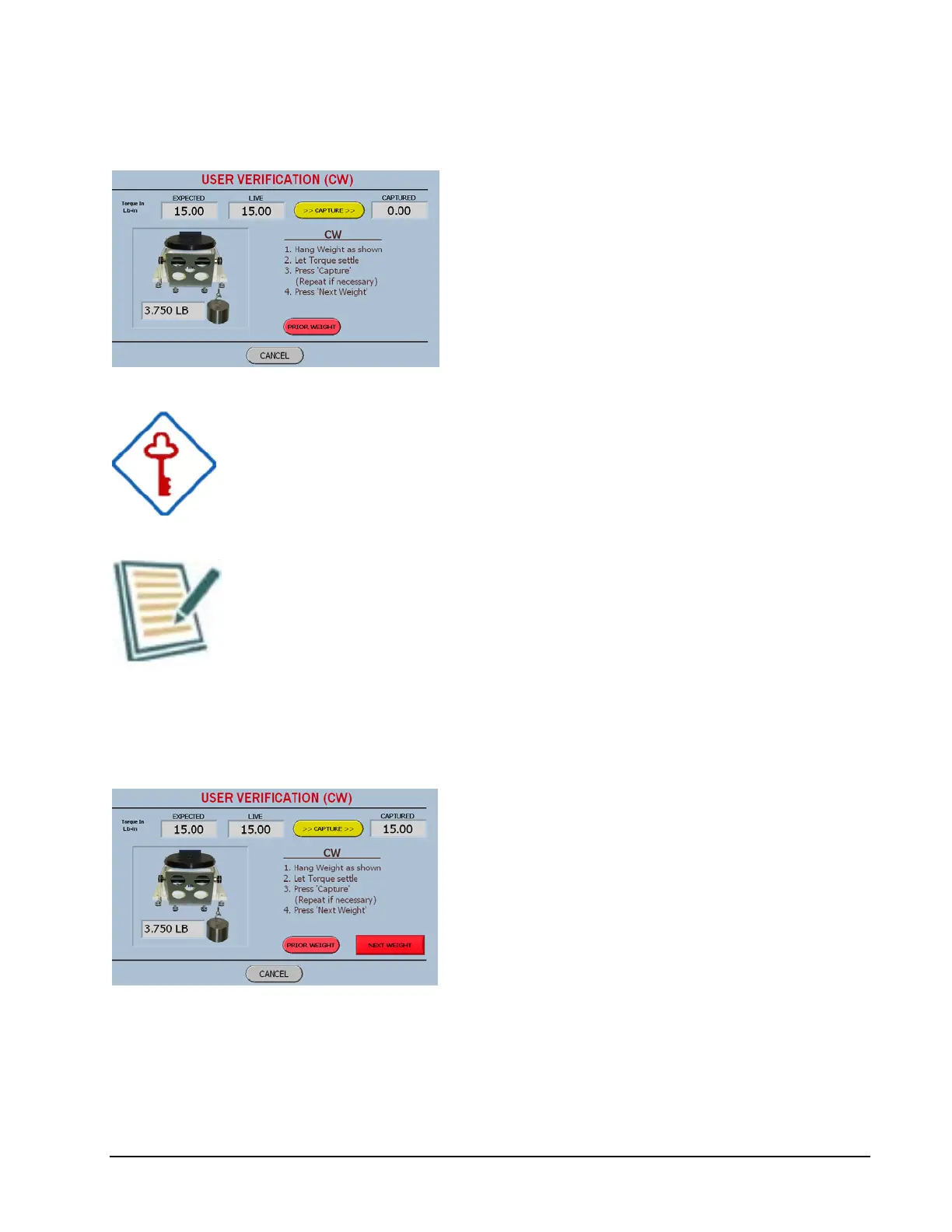
User Verification Weight 2 Screen
The user can return to the previous weight by
selecting the Prior Weight button.
If there is no need to return to the prior weight,
screen then the displayed weight should be
hung.
When the live display settles, the Capture
button should be pressed.
When hanging the weights, the user should try to perform
this procedure in a gentle and consistent manner.
If you jump on a scale, the reading will be higher than if you
gently step on it.
User Verification Next Weight Screen
The captured value should be viewed and
evaluated as in Screen 2 above.
Once again the Next Weight button will
advance the software to the appropriate screen.
Once the torque in both directions of rotation has been
verified the following report will be displayed.



 To Next Page