16 • System Power Up and Down User Guide Ver. 7.1.0 2100 Cap Inspector
System Power Up and Down
What’s Inside
This chapter contains the required information for powering
up the Model 2101 Cap Inspector and turning it off.
Powering Up the Cap Inspector
Following the steps below will energizes the system.
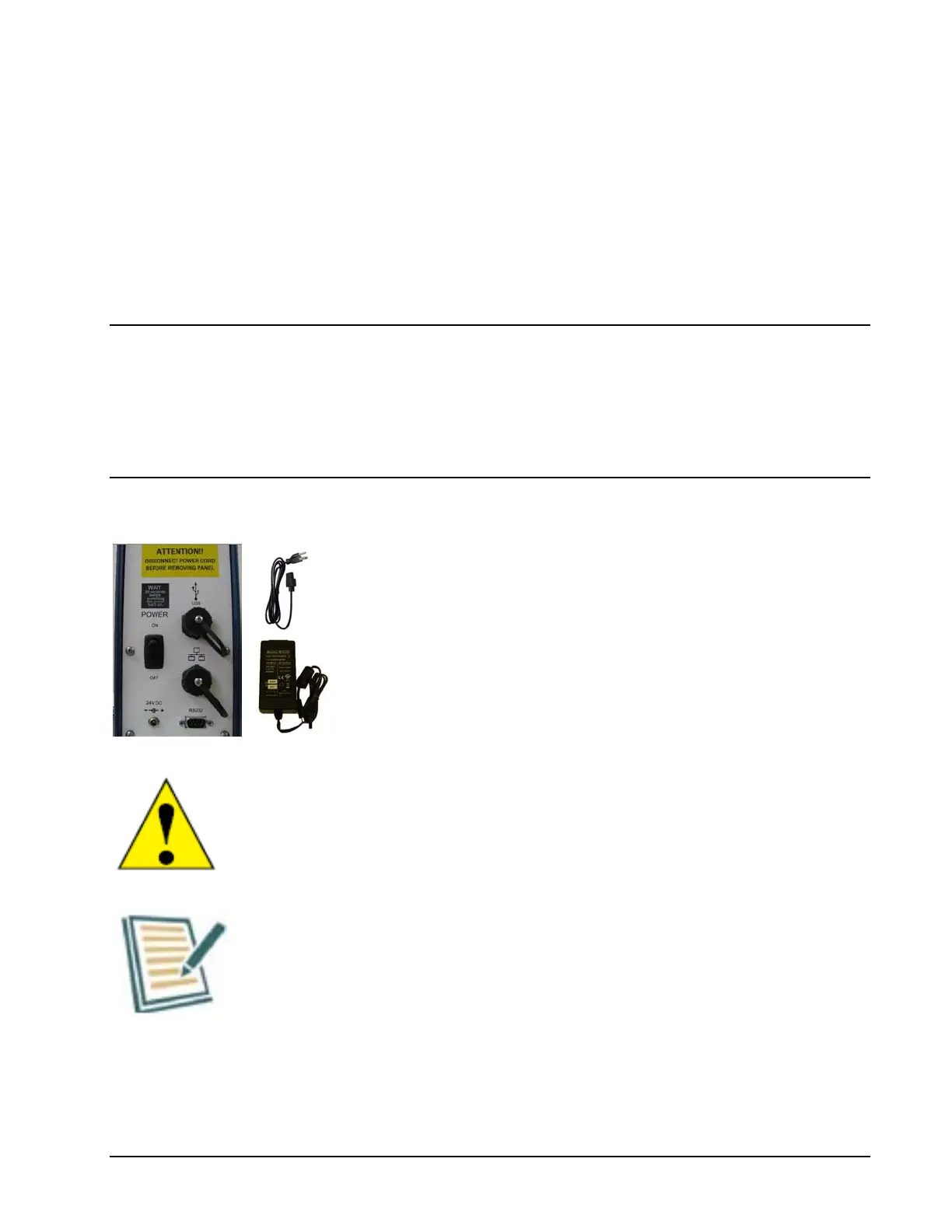
1. Insert the AC power cable into the power supply.
2. Connect the Power Supply to the receptacle, marked
24V DC on the rear of the Drive Tower.
3. Plug the other end of the AC power cable into an AC
outlet.
The Model 2101 is supplied for use with 120 or 220 VAC
50 or 60 HZ. Consult the factory or your local sales
representative for operation with other voltages.
The use of a surge protector with the system is
recommended as a protective measure against
electrical noise.
Now by actuating the switch on the rear of the tower the
system will be energized and ready for use.



 To Next Page