User Guide Ver. 7.1.0 2100 Cap Inspector System Power Up and Down • 17
Initial Display After Power-up
From the time the power switch is actuated, 2 to 3 minutes
will pass while Windows and the 2101 programs are recalled
from memory and loaded for use.
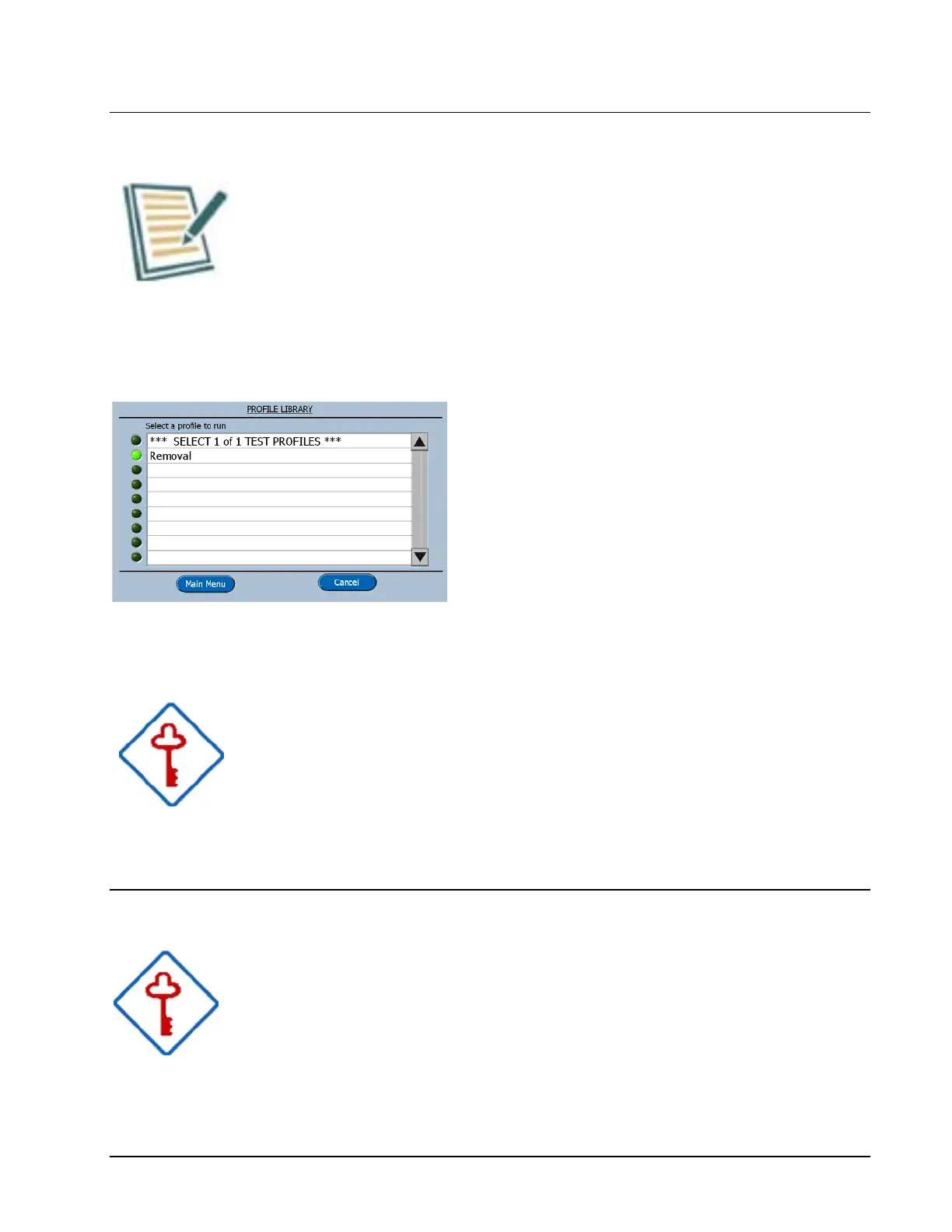
The Profile Library will appear on the touch screen when the
system is ready.
Now by touching the word Removal, this
profile will be selected to run.
The green LED next to it will be illuminated
and the software will advance to the Run
screen.
Selecting a Profile from the Library
Remember to touch the word when making a selection not
the green LED.
Powering Down the Cap Inspector
Always use the Power Switch on the rear of the tower to
turn the system off.



 To Next Page