User Guide Ver. 7.1.0 2100 Cap Inspector Viewing and Saving Test Results • 81
Viewing and Saving Test Results
What's Inside
This chapter contains a description of the procedure for
saving test results and then viewing and printing these
results.
Saving a Test Result
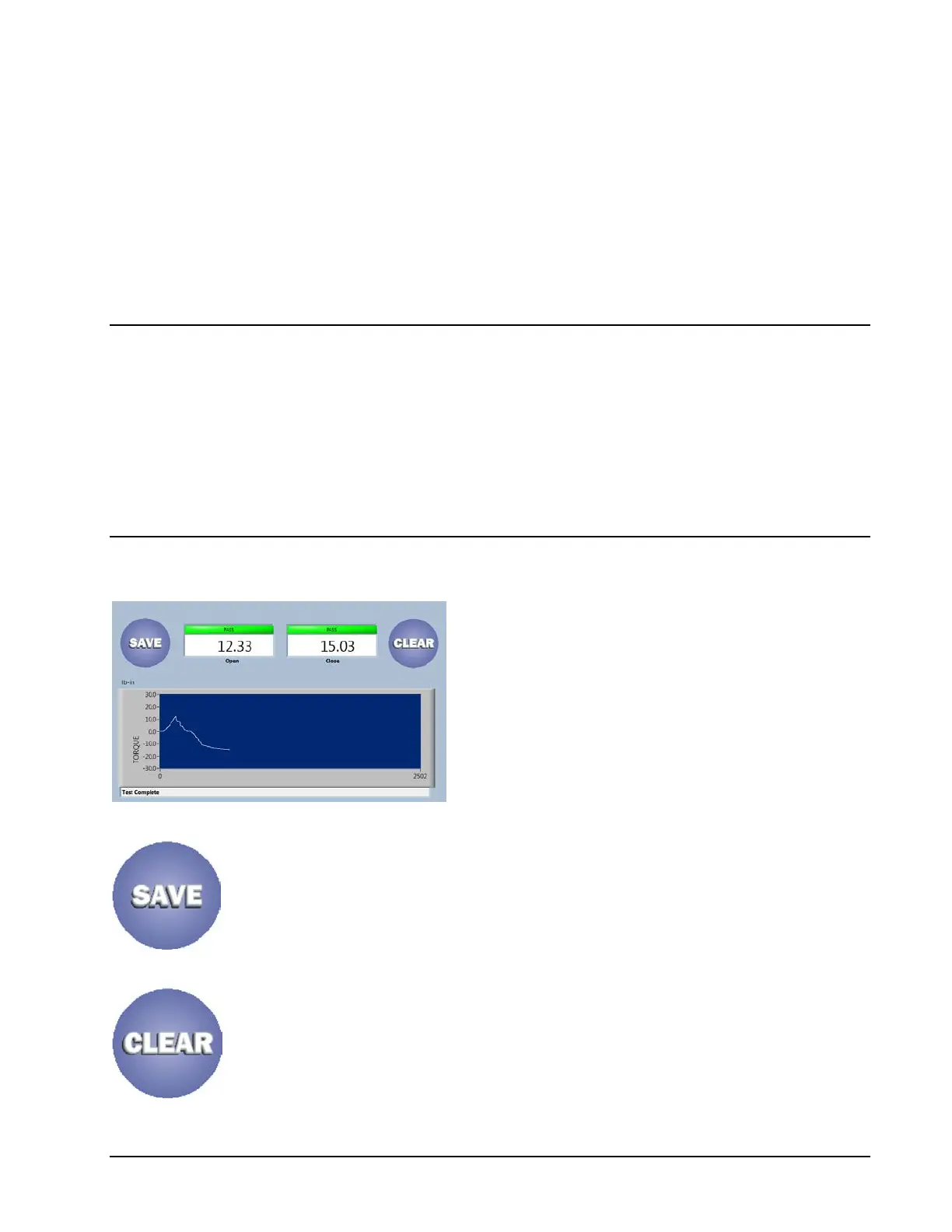
The end of test screen displays the Removal
Torque Value with a color flag of green for
pass and red for fail.
The re-application torque is also displayed,
however it only has pass / fail limits in the
incremental test mode.
Pressing the Save Button will save the current test data to
memory and return the system to the Run Screen.
Pressing the Clear Button will discard the data and return to
the system to the Run Screen.



 To Next Page