20 • System Check User Guide Ver. 7.1.0 2100 Cap Inspector
Zeroing the System
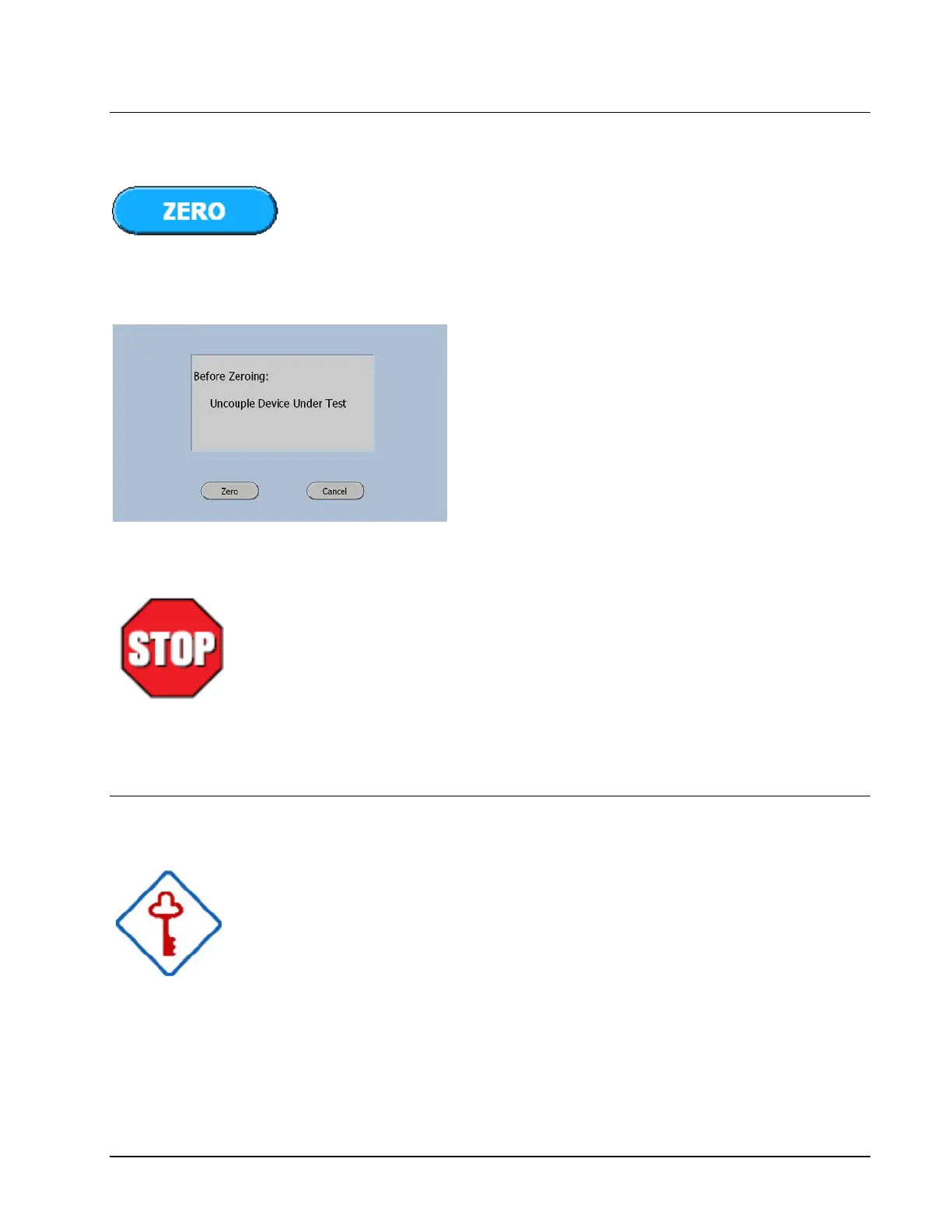
If the display does not read zero, press the Zero Key.
Zero Instruction Screen
The zero instruction screen will now be
displayed as a precautionary measure.
The system must never be zeroed when the shaft is
coupled to the DUT. (Device Under Test)
This action can result in an offset that will effect the
measurements.
Performing The System Check
At this time, do not connect the Drive Shaft to anything.
The dynamic operation of the system can now be verified by
pressing the Open Button and later the Close Button.



 To Next Page