User Guide Ver. 7.1.0 2100 Cap Inspector Modifying Test Reports • 83
Modifying Test Reports
What's Inside
This chapter contains a description of the procedure for
modifying reports to fit the application.
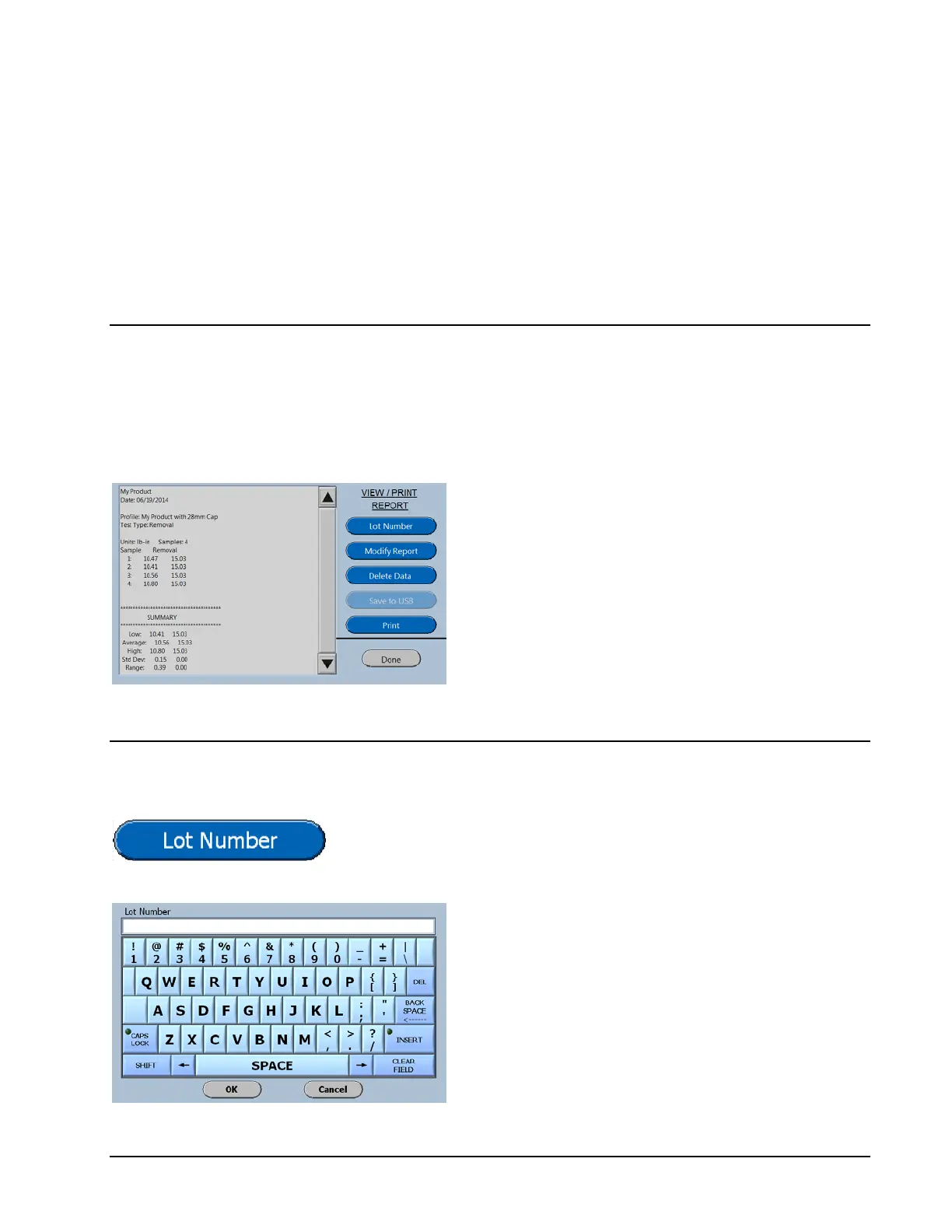
The customizing features are displayed on the
right side of the View / Print Screen.
The features that are selected from this screen
will be applied to this report only.
Entering a Lot Number
When the Lot Number button is pressed the following screen
will be displayed
Now type in the desired lot number and then
select OK.
The number will now be displayed on the
report.



 To Next Page