User Guide Ver. 7.1.0 2100 Cap Inspector System Check • 19
System Check
What’s Inside
This chapter contains a step-by-step procedure to help the
user become familiar with the basic operation of the Model
2101 Cap Inspector by performing a system check to verify
that the drive is performing properly upon receipt.
Performing the System Check
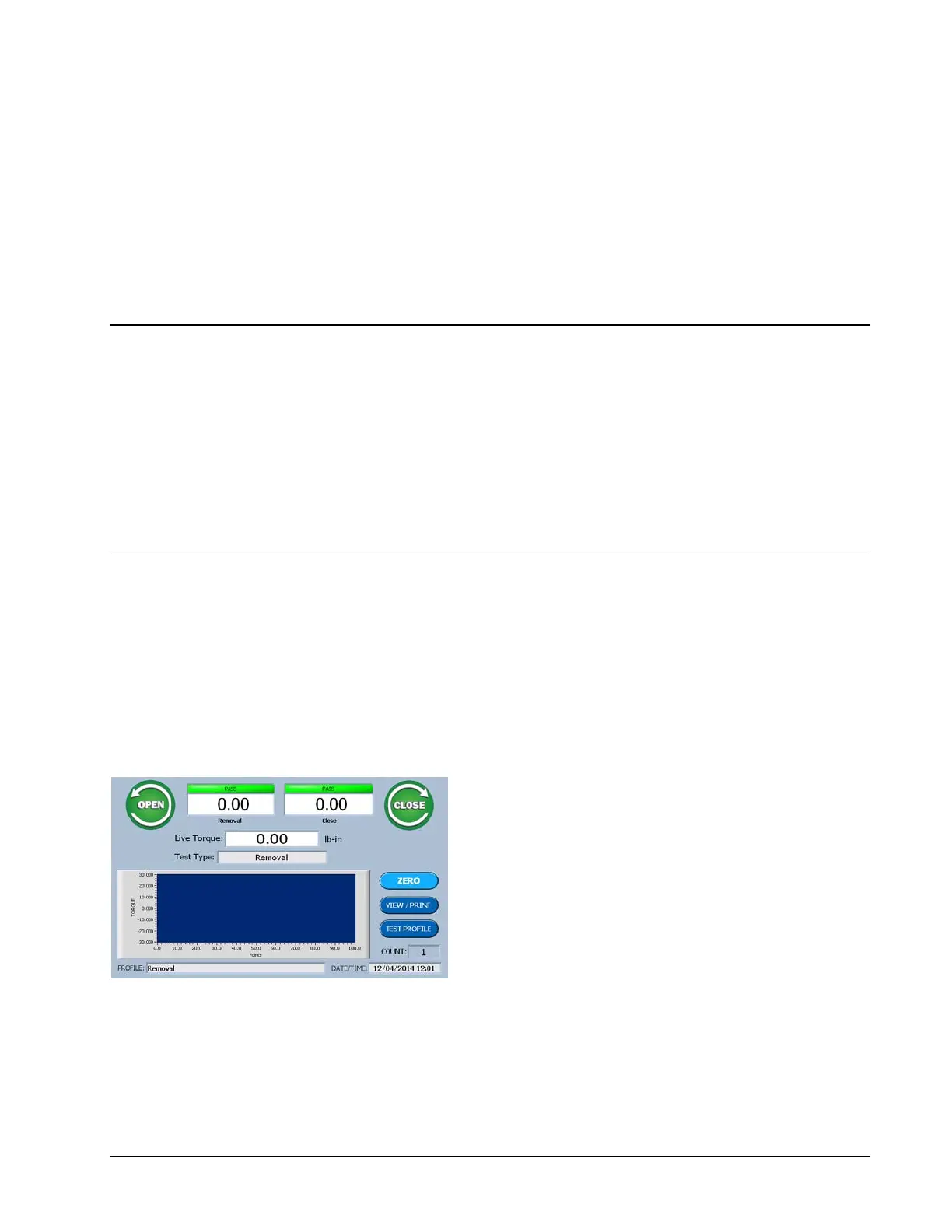
In the previous chapter the Removal Test was selected and
therefore the Run Screen for the Removal Test will now be
displayed.
Run Screen
The Run Screen is the starting point for all
tests. Its appearance will change slightly to
match the selected test type.
Observe the Live Torque display in the center of the screen.
When the drive shaft is in the up position and not connected
to a sample to be tested, this display should read zero.



 To Next Page