User Guide Ver. 7.1.0 2100 Cap Inspector Cap Inspector Calibration • 101
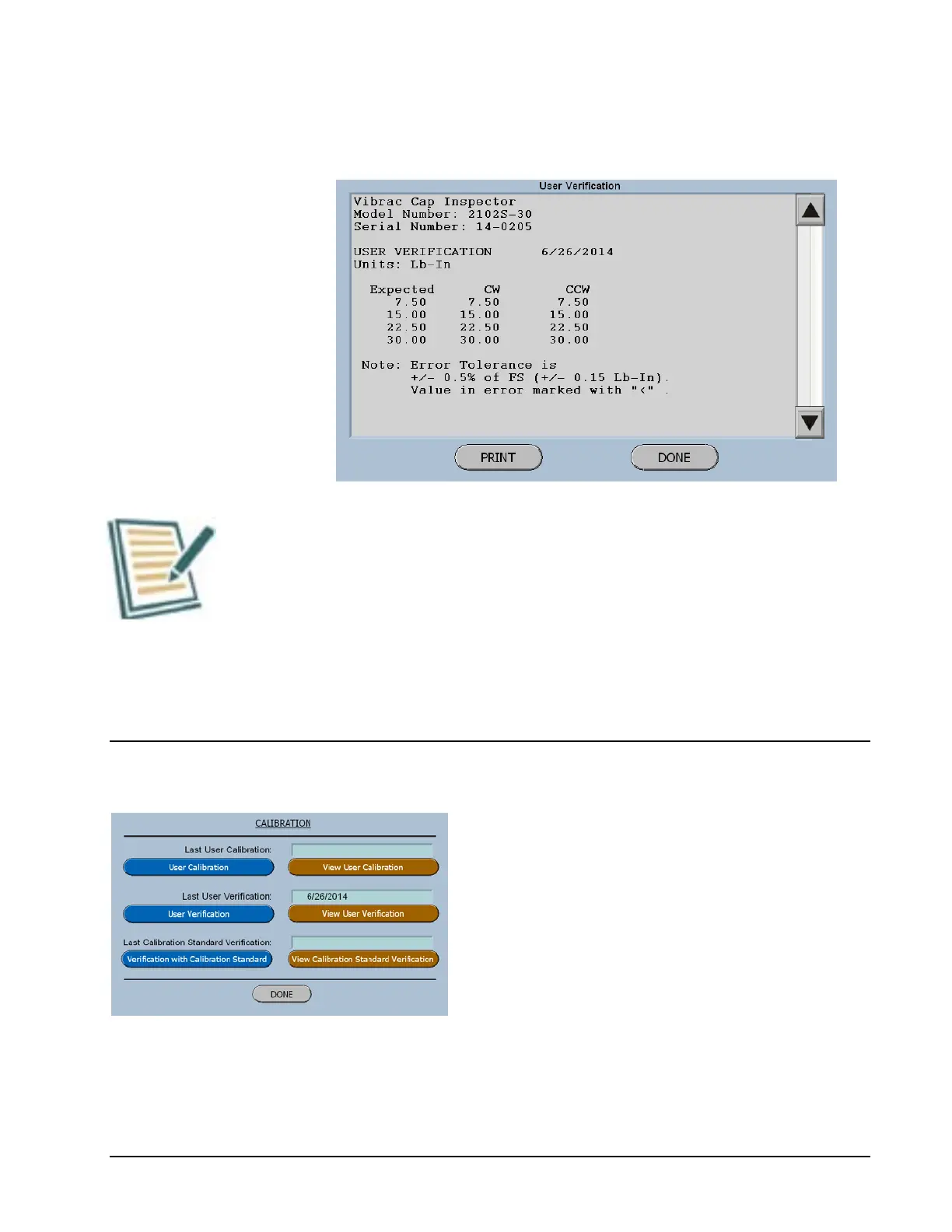
User Verification Report
Observe Note on screen. All readings should be within +/- .5
% of Full Scale Torque.
If the readings are not within the tolerance range, a User
Calibration should be performed.
Performing a User Calibration
Now select the Blue Button titled User
Calibration.
The software will now advance to the series of
menus that will guide the user through this
process, by just following the steps on the
screen.



 To Next Page