70 • Selecting The System Options User Guide Ver. 7.1.0 2100 Cap Inspector
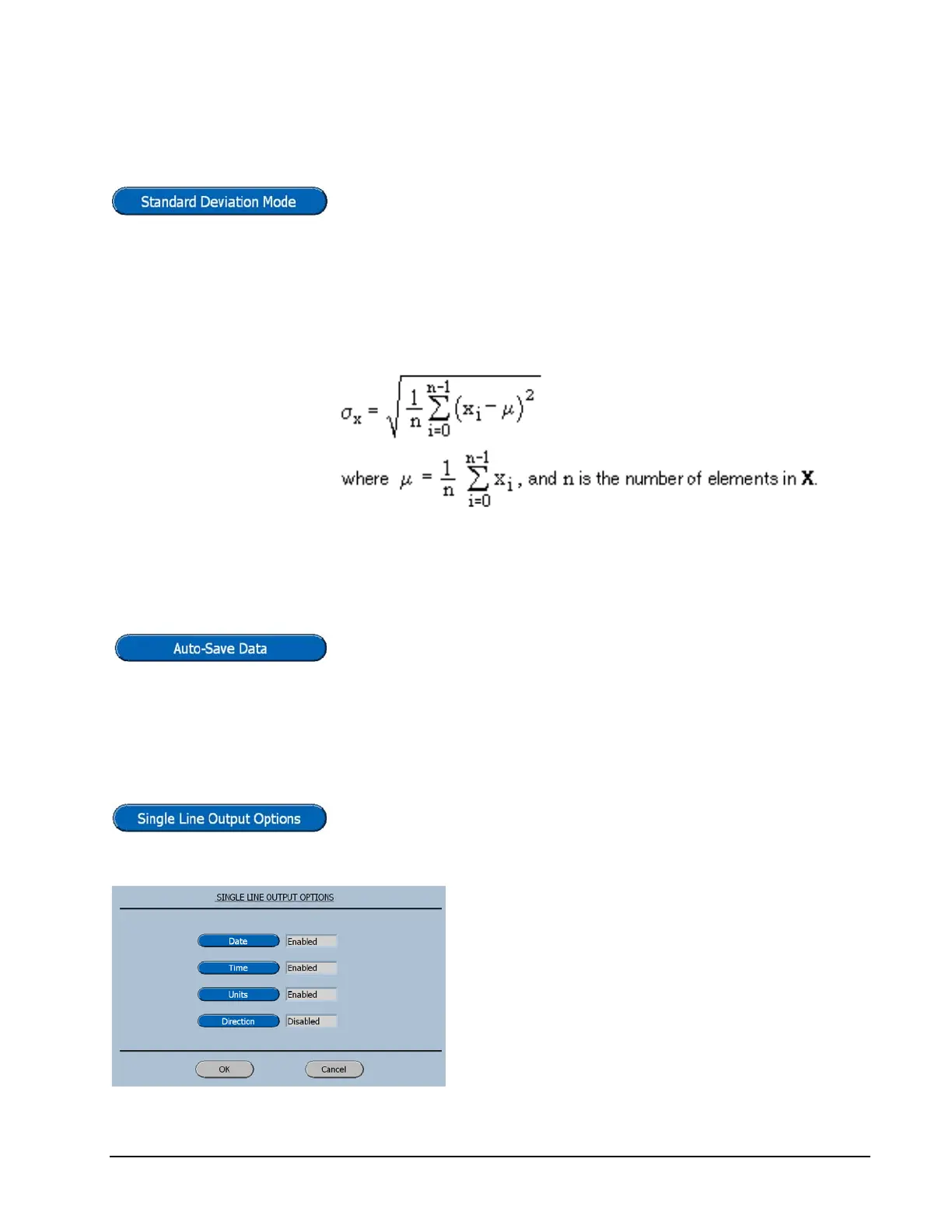
Standard Deviation
Pressing the Standard Deviation key will toggle the selection
from N-1 to N for the calculation (α
x
). The default selection
is N-1.
This formula computes the mean value (µ) and the
standard deviation (α
x
) of the measured values (x
i
) for n
points.
Auto Save Data
Pressing the Auto-Save Key will toggle the selection from
Disabled to Enabled. The default selection is Disabled.
Single Line Output Options
This button will display the selection menu for the data that
will be sent to the RS-232 port at the end of a test.
These selections are provided for transmitting
to PC programs that may have templates that
will already have this information.
Transmitted data will be space delimited.



 To Next Page