User Guide Ver. 7.1.0 2100 Cap Inspector Using the USB Features • 91
Copying and Transferring Profiles
Backing up profiles to a USB drive and then using the
Restore feature enables one to transfer the profiles
from one machine to another.
Restoring USB Files to System
Restore USB Button
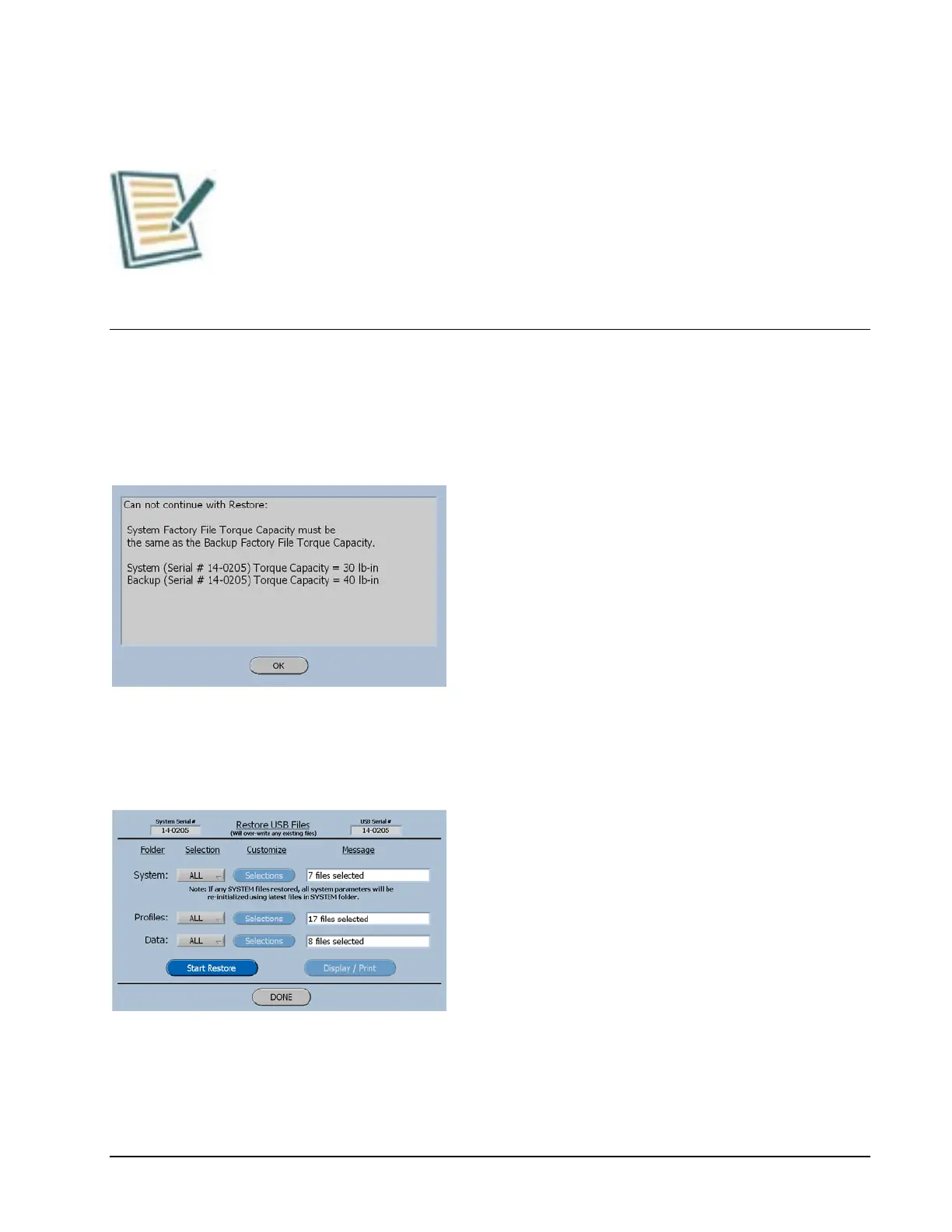
When the Restore Button is selected the
software will compare the torque capacity
of the current system with the capacity of
the system for the stored files and if they
are not alike this screen will be displayed.
Restore USB Screen
When the System Serial # and the USB
Serial # do not match, the System Files
cannot be restored, however the Profiles
and Data can be restored.



 To Next Page