92 • Using the USB Features User Guide Ver. 7.1.0 2100 Cap Inspector
Before selecting the Start Restore Button, make sure
the desired files are select. A Restore will over-write
any existing files with the same name.
The following procedure will insure that only the
desired files are copied.
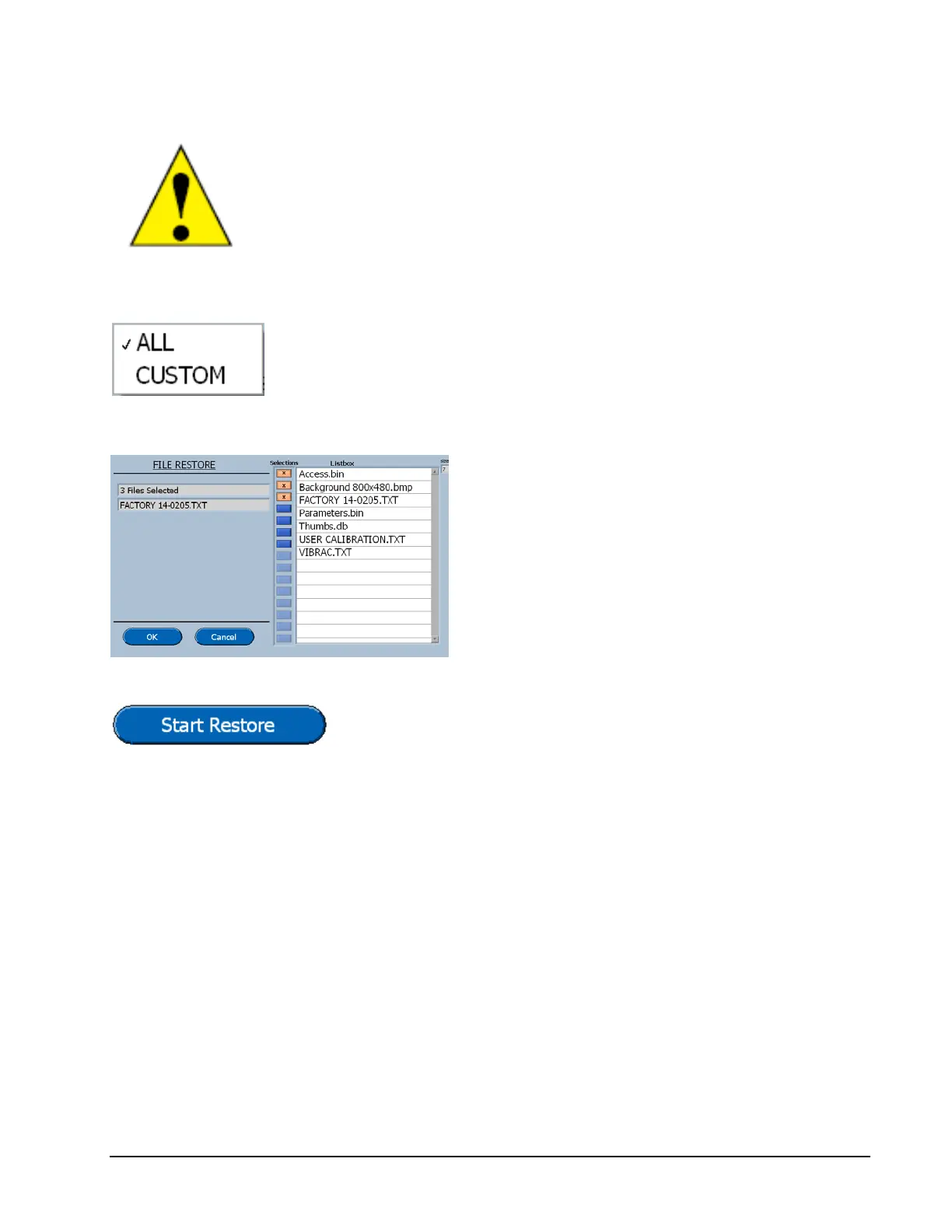
Select the All button, then change the selection to
Custom and the Selection key will be highlighted.
The files for selection will be displayed.
Pressing on the button to the left of the file
name will select a file.
This procedure should be followed for all
the System Files, Profiles and Data files.
Pressing this button will start the procedure. All of the
selected item will be restored.



 To Next Page