User Guide Ver. 7.1.0 2100 Cap Inspector Modifying Test Reports • 85
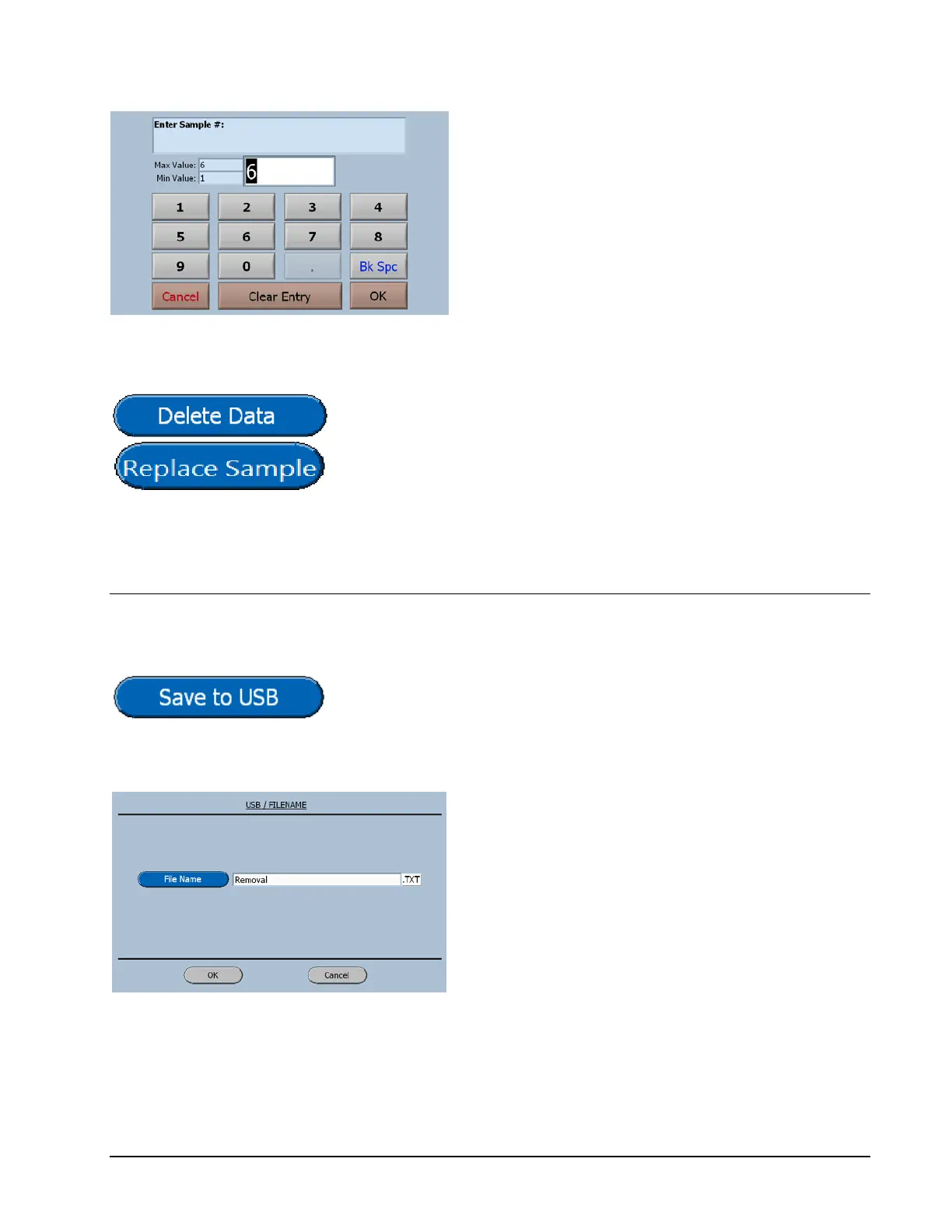
Observe the minimum and maximum
values.
To input a value, just start typing. The first key
selected will overwrite the first highlighted
value on the screen. When the desired value
has been keyed in press OK to save the new
value.
Both of these buttons will display a confirmation screen
before executing the desired function.
Saving To USB
When a USB device is detected by the software, the dimmed
button will be activated. When selected the following screen
will be displayed.
Once a file name has been entered and the OK
button selected, the data will be saved in a
Note Pad Text File. (TXT)



 To Next Page