74 • Selecting The System Options User Guide Ver. 7.1.0 2100 Cap Inspector
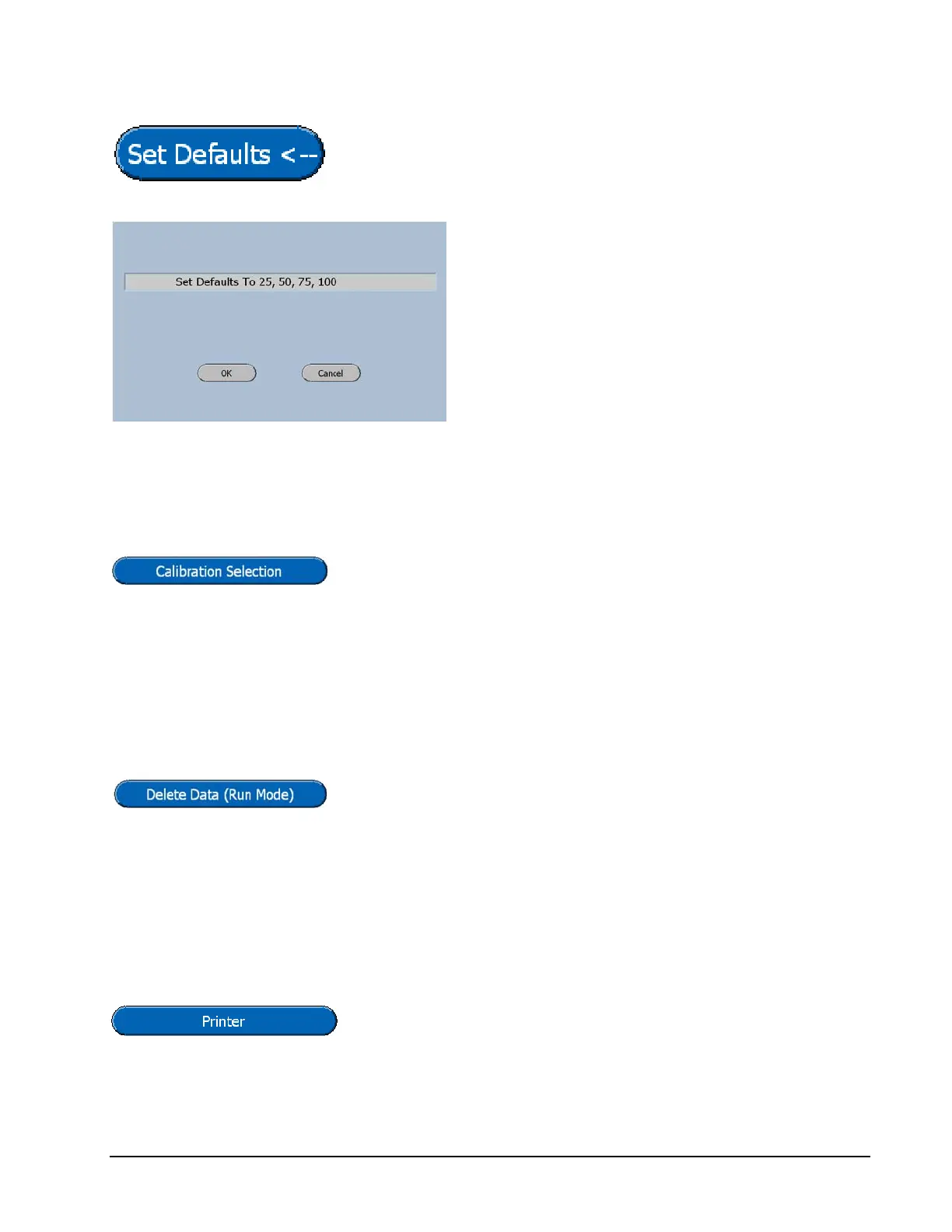
The Set Defaults Button will display a confirmation screen
to ensure that the right values are being entered.
Vibrac's standard default values are 25%, 50%,
75%, and 100%.
The OK key will accept the displayed values.
Calibration Selection
The Calibration Selection Button will toggle the software
from use Factory Corrections to use User Corrections.
The use of this feature will be described in the chapter titled
System Calibration.
Delete Data
Pressing the Delete Data Button will toggle the selection
between Enable and Disable. This feature will be described
more thoroughly in the chapter titled Viewing and Printing
Test Results.
Printer
The Printer select button will toggle the selection between
an Epson Serial Printer and the Windows Default Printer.



 To Next Page