User Guide Ver. 7.1.0 2100 Cap Inspector Cap Inspector Calibration • 103
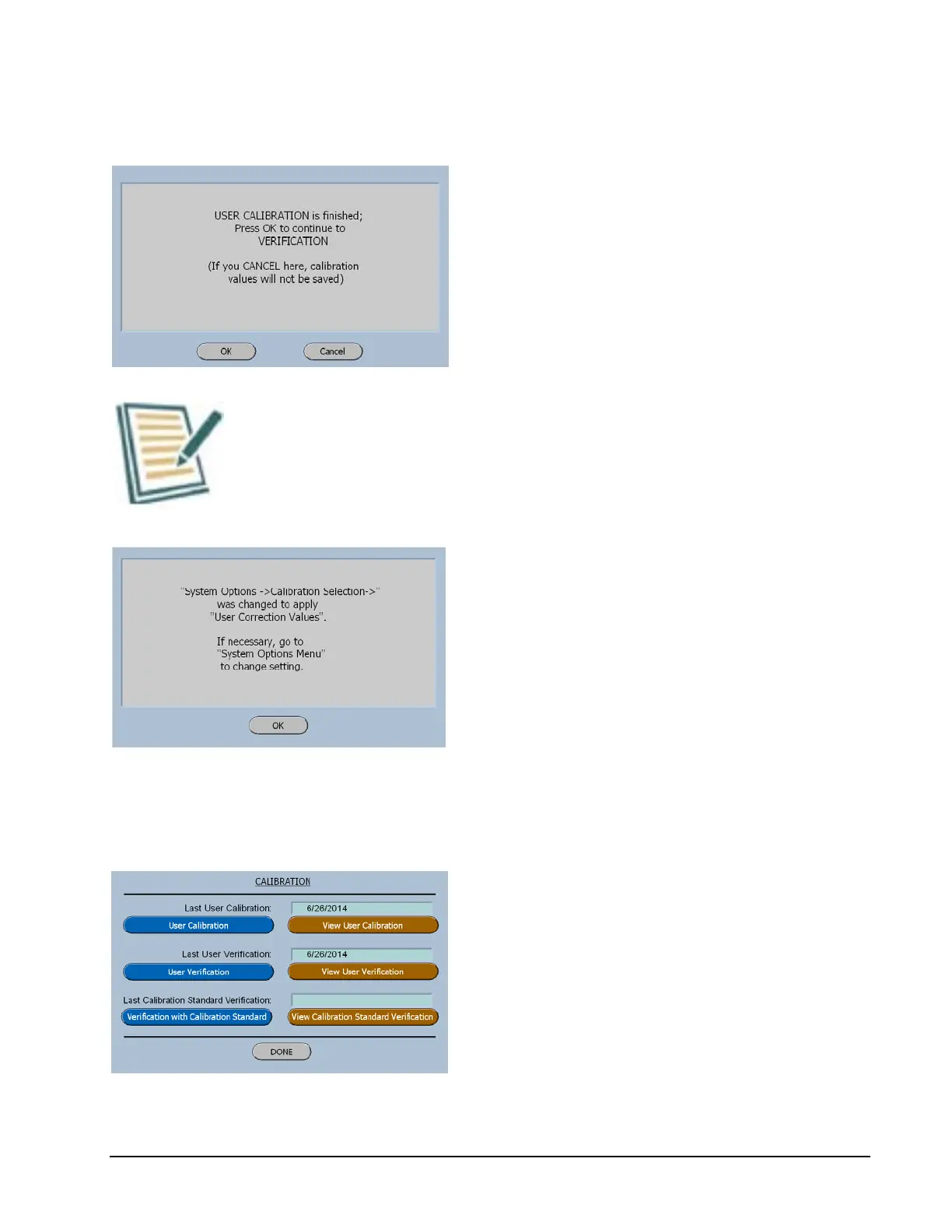
User Calibration / Verification Screen
The software will now force the user to
perform a Verification to insure that the
Calibration was performed properly.
The OK button will now display the User
Verification Weight 1 Screen.
The system does not get re-zeroed between the User
Calibration and the User Verification.
This information screen will be displayed at
the completion of the User Verification.
Since the Calibration / Verification was
performed successfully the software assumes
that new Calibration correction values are to
be used.
Main Calibration Menu after Calibration
The Main Calibration menu displays the date
of the last Calibration and last Verification.
The view button enables the user to view and
print the report for each of these functions.



 To Next Page