104 • Setting the Data and Time User Guide Ver. 7.1.0 2100 Cap Inspector
Setting the Data and Time
What’s Inside
This chapter contains a step-by-step procedure for setting
the Date and Time.
Edit Date and Time
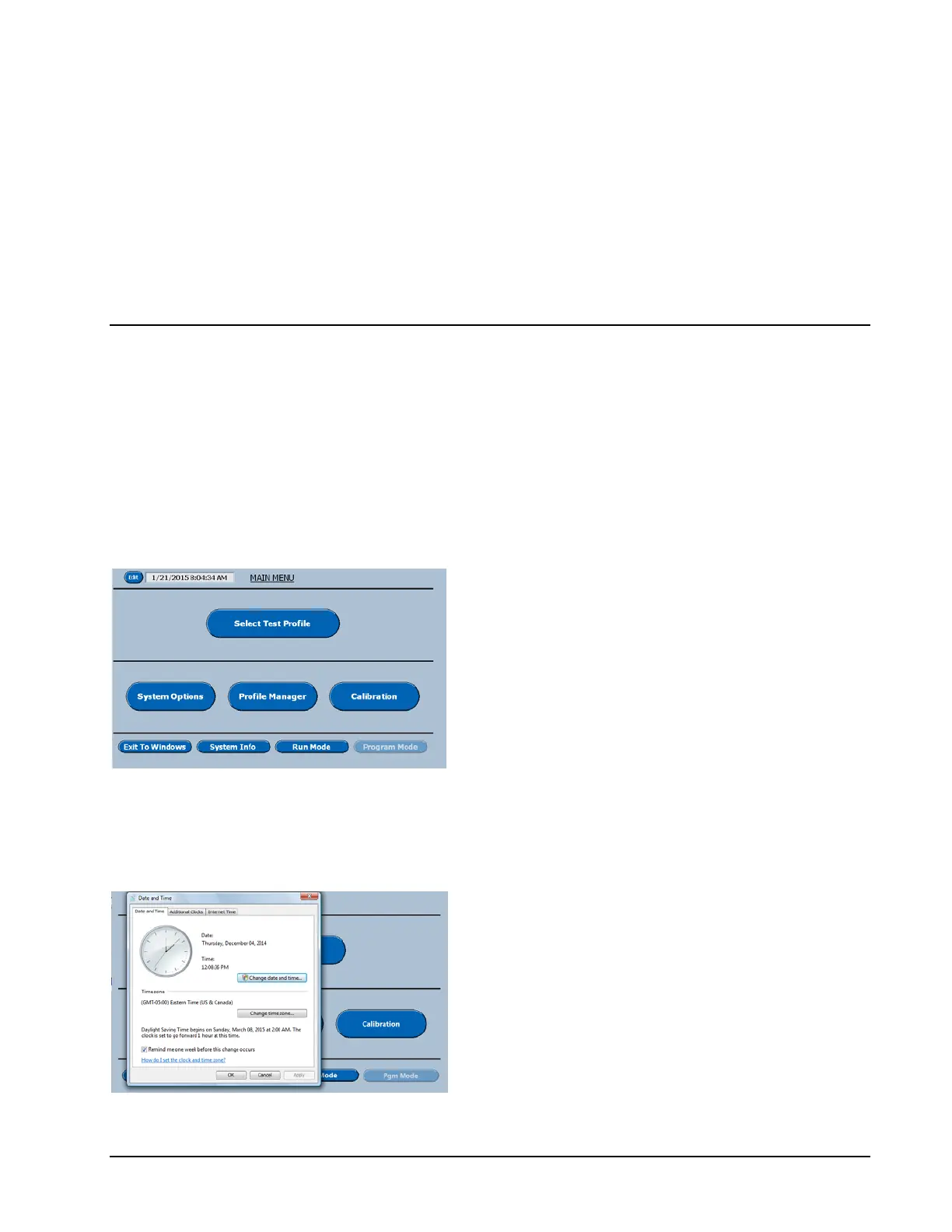
On the Main Menu Screen in the program
mode select Edit next to the Date and Time
display in the top left corner.
The following screen will be displayed.
Date and Time Menu
On this menu select Change Date and Time.
The software will now display Edit date and
Time screen shown below.



 To Next Page