User Guide Ver. 7.1.0 2100 Cap Inspector Selecting The System Options • 69
Selecting The System Options
What's Inside
This chapter contains a step-by-step procedure for selecting
the system options that best suit the application. System
Options are those program features that normally will be
selected once, when the system is installed and seldom
changed again.
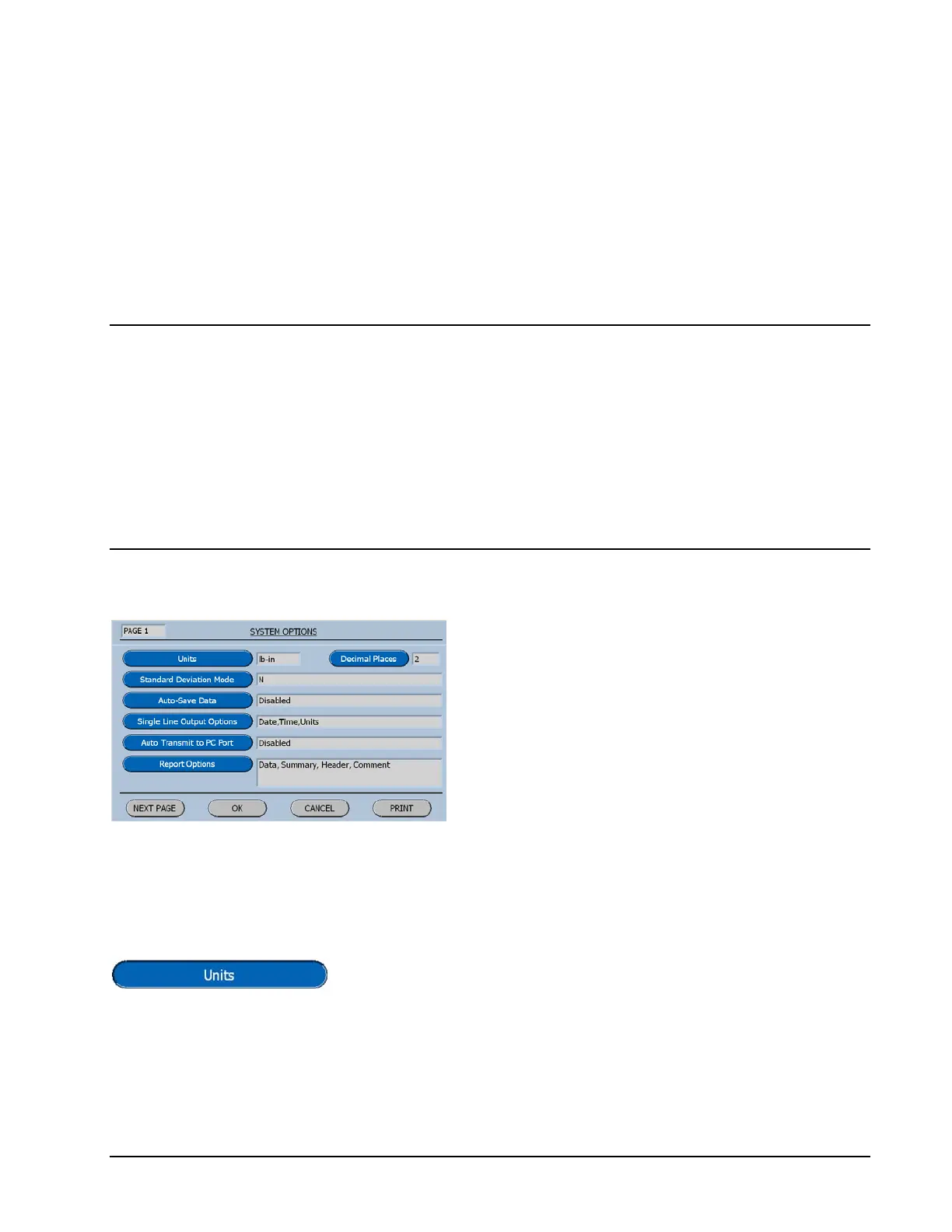
System Options Menu Page 1
The default selections in these option menus
have been carefully selected to fit most
applications.
Units of Measure
Pressing the Units Button will step the program through the
possible settings, for the current system.
lb-in, lb-ft, Nm, Kg-cm, Ncm, oz-in, mNm.



 To Next Page