User Guide Ver. 7.1.0 2100 Cap Inspector Selecting The System Options • 71
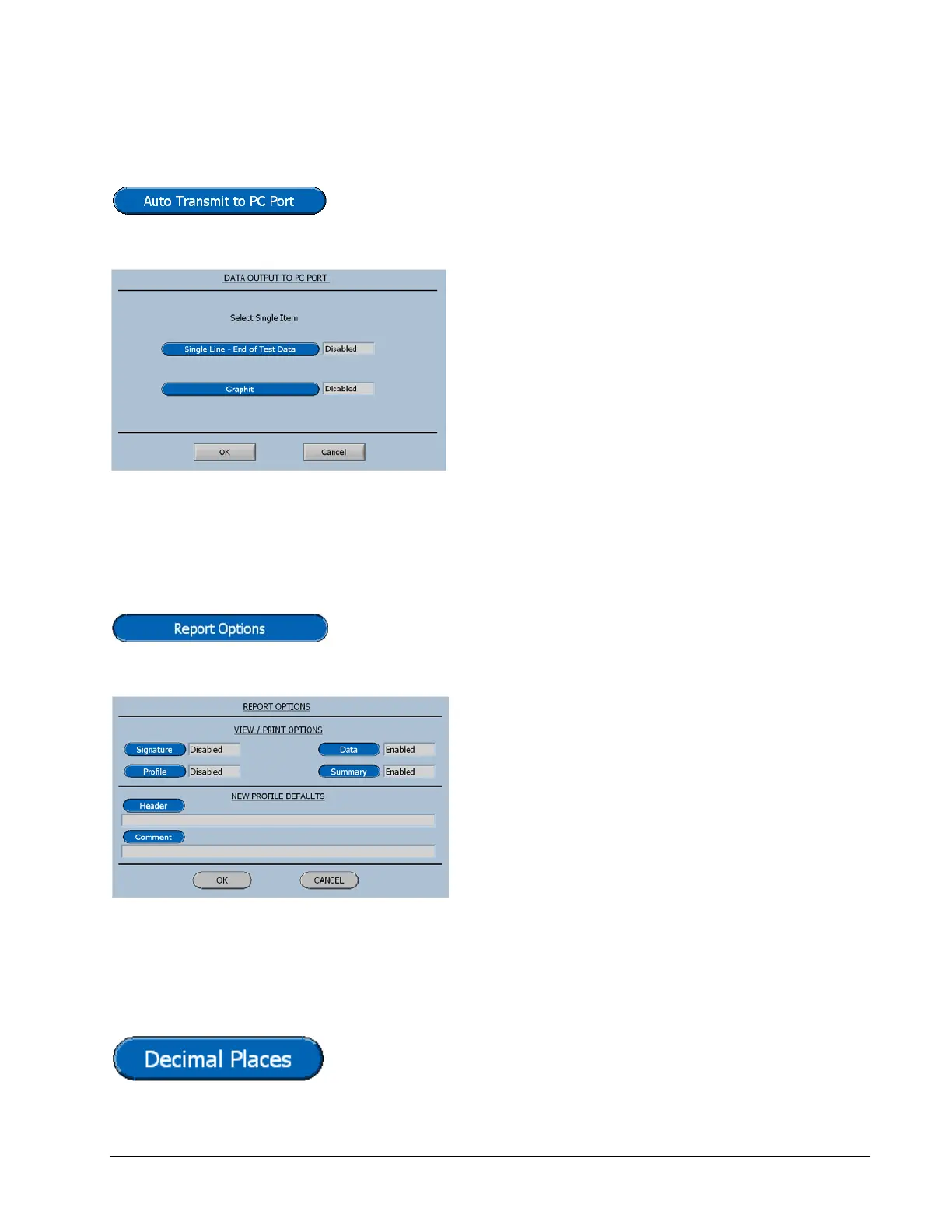
Auto Transmit to PC
Pressing the Auto Transmit Key will display the Data
Output to PC menu shown below.
Only one of the two menu items can be
enabled at a time.
The single line of data is provided for
outputting to commercially available SPC
programs.
The Graphit selection is used to output data to
Vibrac's comprehensive data analysis program.
Report Options
Pressing the Report Options Key will display the Menu
shown below.
The Report Options that are selectable on this
screen will be described later in the chapter
titled Viewing and Printing Test Results.
However a feature selected here will now be
the default setting for all test profiles.
Decimal Places
Pressing the Decimal Place Button will display the input
screen for selecting the number of decimal places to be
displayed.



 To Next Page