84 • Modifying Test Reports User Guide Ver. 7.1.0 2100 Cap Inspector
Modifying the Report
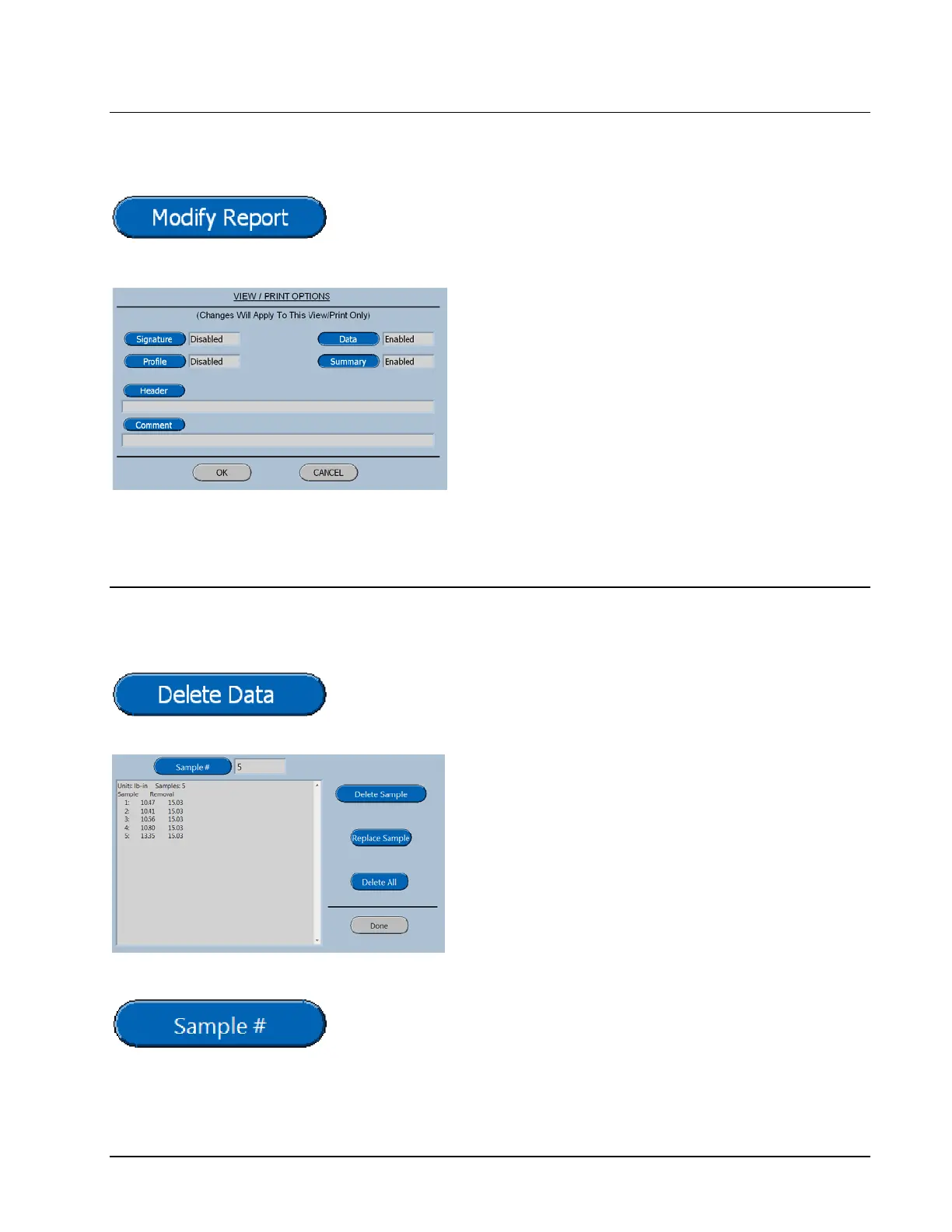
When the Modify Report button is pressed the following
screen will be displayed.
The Signature, Profile, Data and Summary
Buttons will toggle the selection from disabled
to enabled or vise versa.
The Header and Comment Buttons will display
the Keyboard for entering the desired
terminology.
Deleting Data
When the Delete Data button is pressed the following screen
will be displayed.
The delete all button will display a
confirmation screen before deleting the data.
The sample button, replace sample button and
delete sample button are used for manipulating
or correcting an issue with a specific piece of
data.
The Sample # Button will display the screen shown below.



 To Next Page