User Guide Ver. 7.1.0 2100 Cap Inspector System Check • 21
Open Button
Observe the Drive shaft. It should be rotating in the same
direction as the arrow on the Open Button when viewed
from above. (CCW)
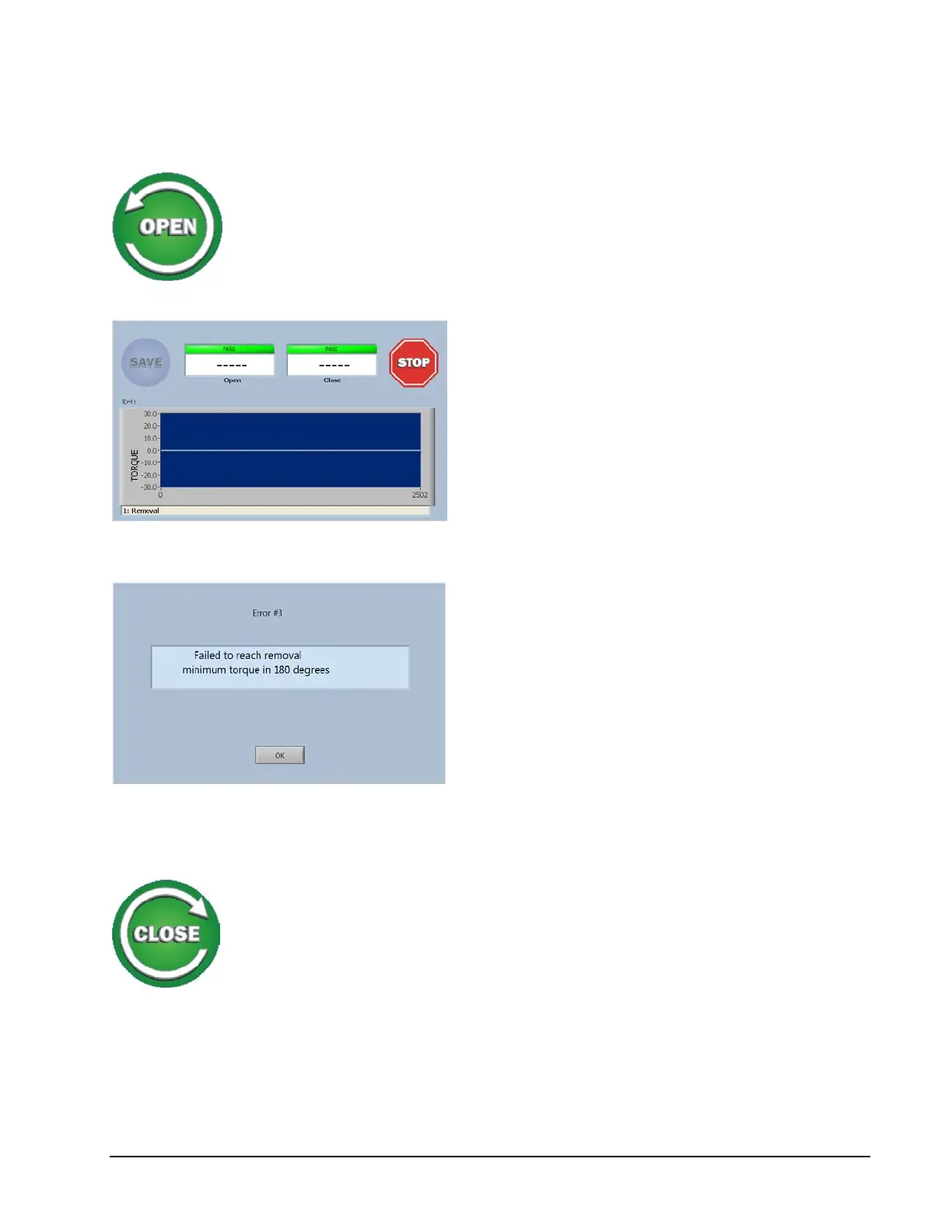
On the screen a live graph of the measured
torque will be displayed.
The test will continue for 180 degrees looking
for a value greater than 2 % of the full scale
torque of the system
A line will be drawn across the graph at the
zero position since there is no torque when the
drive is not coupled to anything.
Since the torque is zero, when the 180-degree
point is reached this error message will be
displayed on the screen.
Selecting OK will return the program to the
Run Screen.
Close Button
Now by touching the Close button, the operation of the drive
in the clockwise direction can be verified.



 To Next Page