22 • System Check User Guide Ver. 7.1.0 2100 Cap Inspector
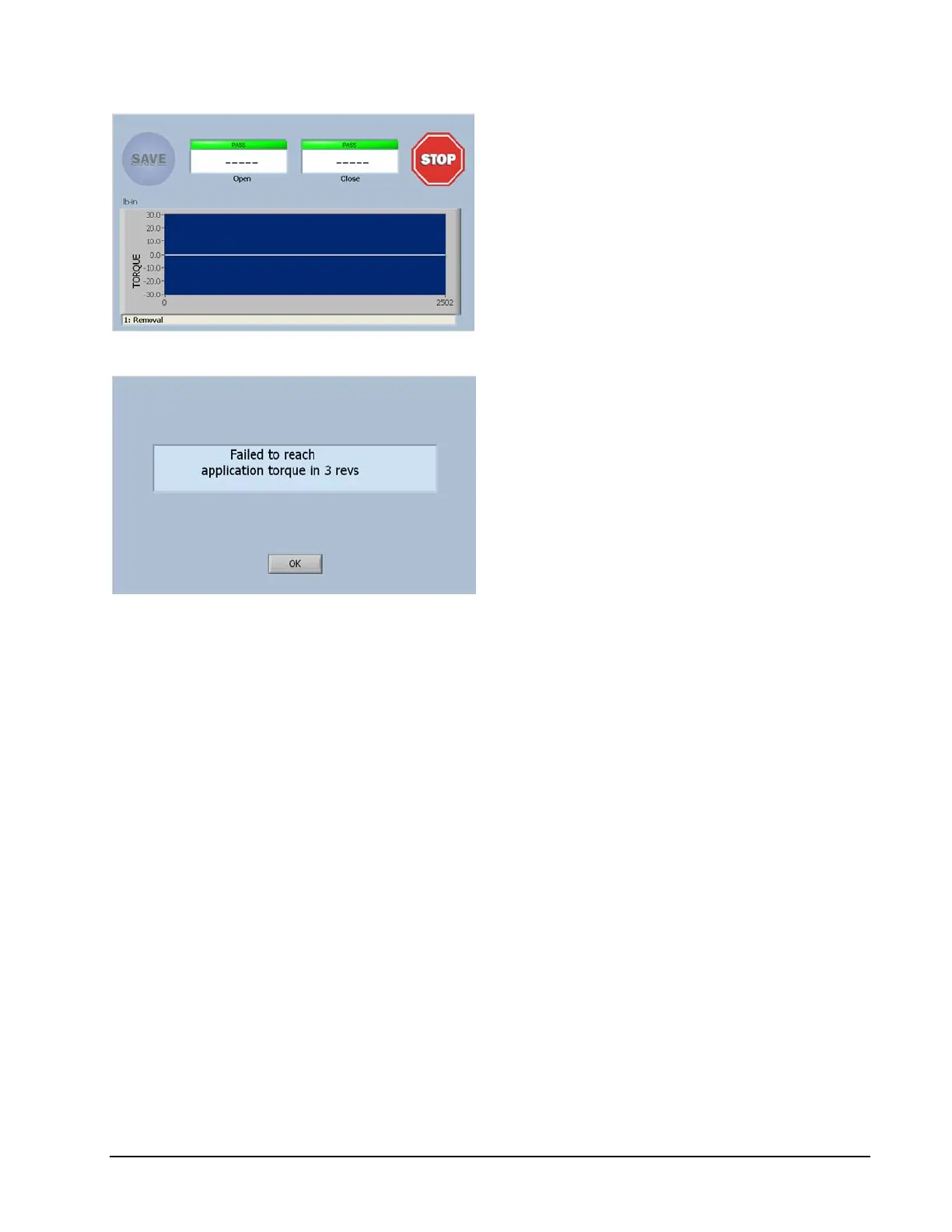
Once again a live display of torque will
appear on the graph at the zero position.
The system will drive for 3 revolutions
looking for the programmed application
torque.
Since the torque is zero, after 3 revolutions
this error message will be displayed.
Selecting OK will return the program to the
Run Screen.
We have now verified that the drive is performing correctly.



 To Next Page