User Guide Ver. 7.1.0 2100 Cap Inspector Creating a Removal Torque Test • 37
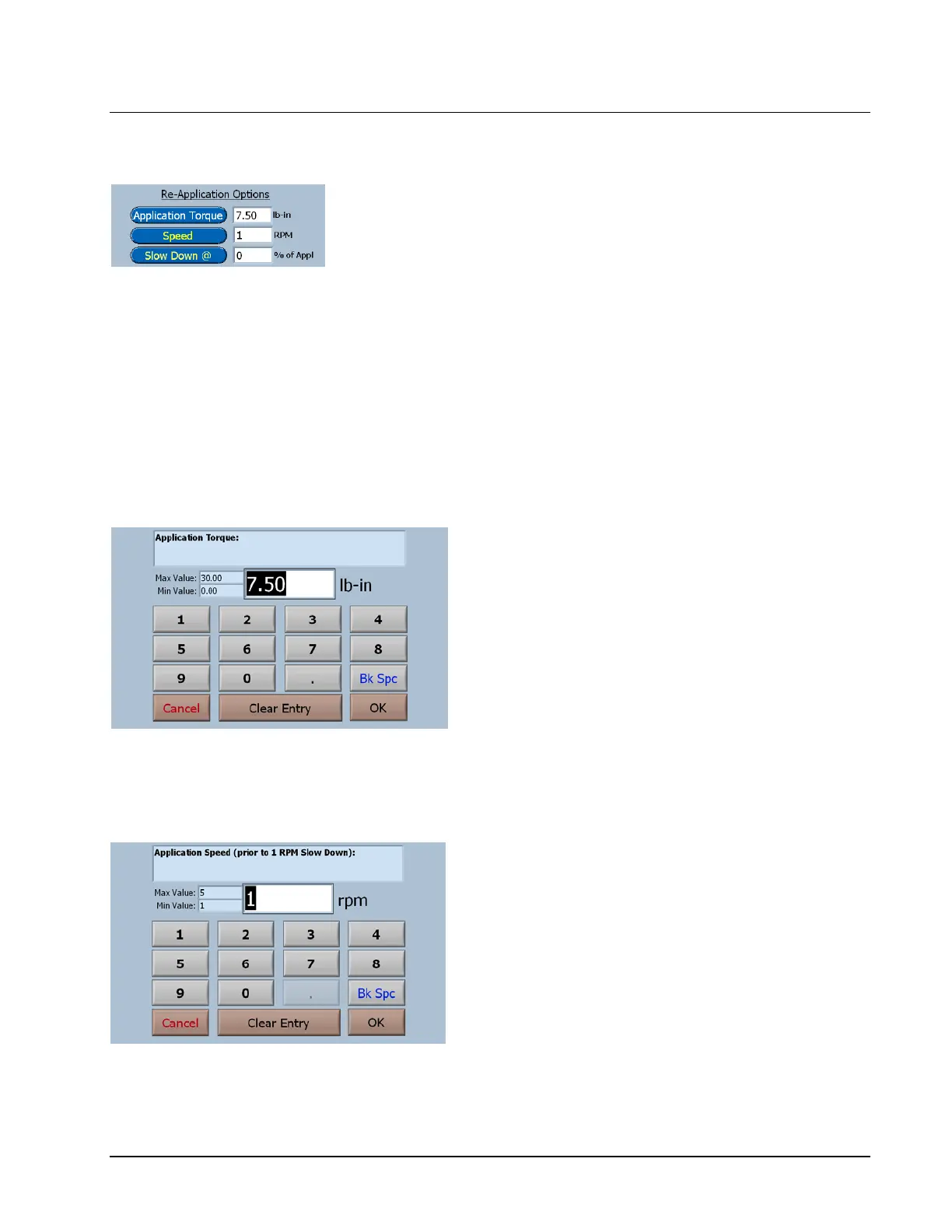
Re-Application Options
Re-application Torque: This is the torque that the cap will be
re-applied to after the removal test when Extra Travel is set
to zero.
Speed: This is the speed at which the drive will rotate prior
to the slow down to 1 RPM.
Slow Down @: This is the percent of application torque at
which the drive will slow down to 1 RPM.
Application Torque
Observe the minimum and maximum
values.
To input a value, just start typing. The first key
selected will overwrite the first highlighted
value on the screen. When the desired value
has been keyed in press OK to save the new
value.
Application Speed Prior to Slow Down
Observe the minimum and maximum
values.
To input a value, just start typing. The first key
selected will overwrite the first highlighted
value on the screen. When the desired value
has been keyed in press OK to save the new
value.



 To Next Page