90 • Using the USB Features User Guide Ver. 7.1.0 2100 Cap Inspector
Using the USB Features
What's Inside
This chapter describes in detail the use of a USB drive to
backup the system and to restore profiles.
Backing up the System
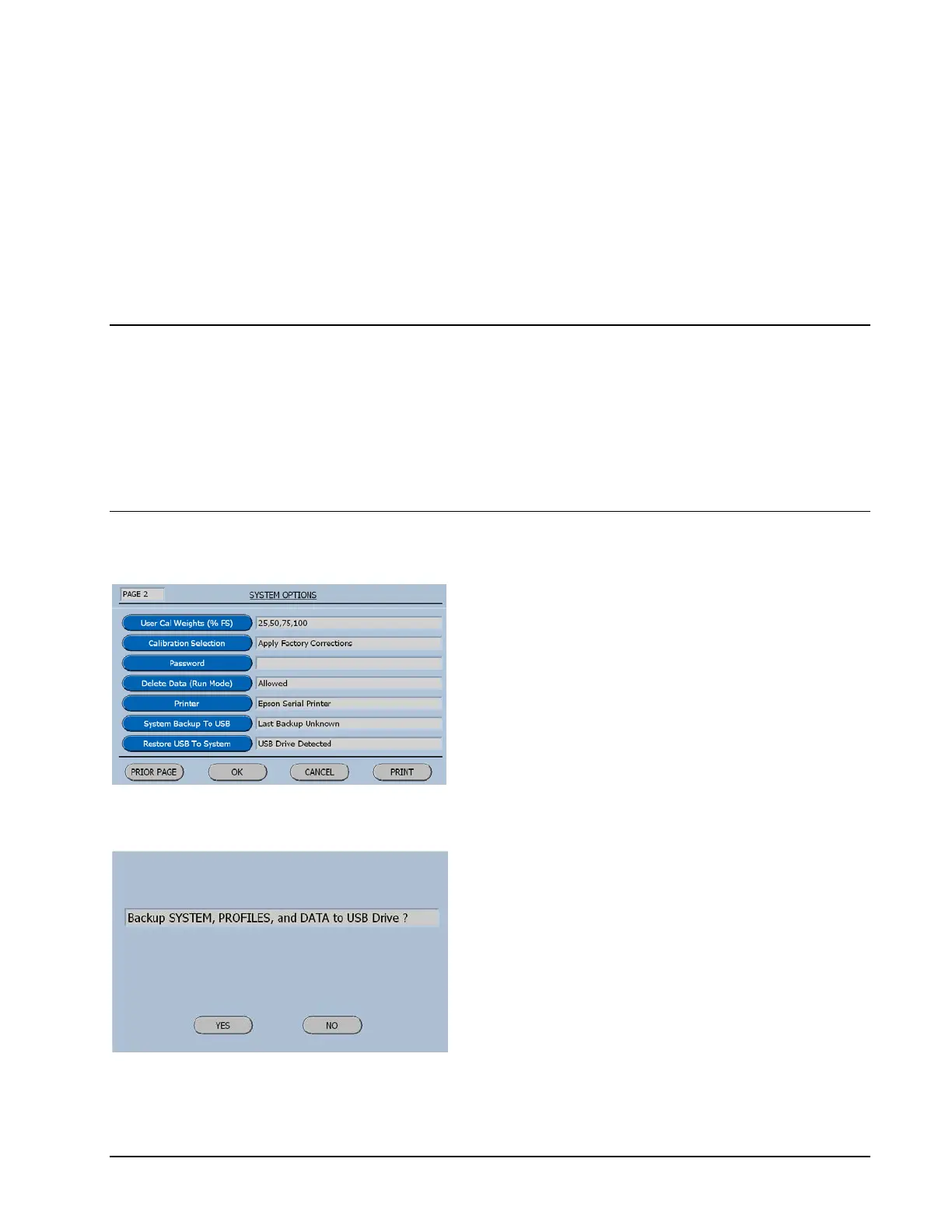
The backup process begins by first inserting a
USB drive into the USB port on the rear panel
of the tower. Now go to page 2 of the System
Options and select the system Backup button.
The software will display the following
information screen.
This screen lists the items that will be
backed up when the yes key is selected.



 To Next Page