52 • Creating a Reverse Ratchet Test User Guide Ver. 7.1.0 2100 Cap Inspector
Creating a Reverse Ratchet Test
What's Inside
This chapter contains a step-by-step procedure for creating a
Reverse Ratchet Torque Test.
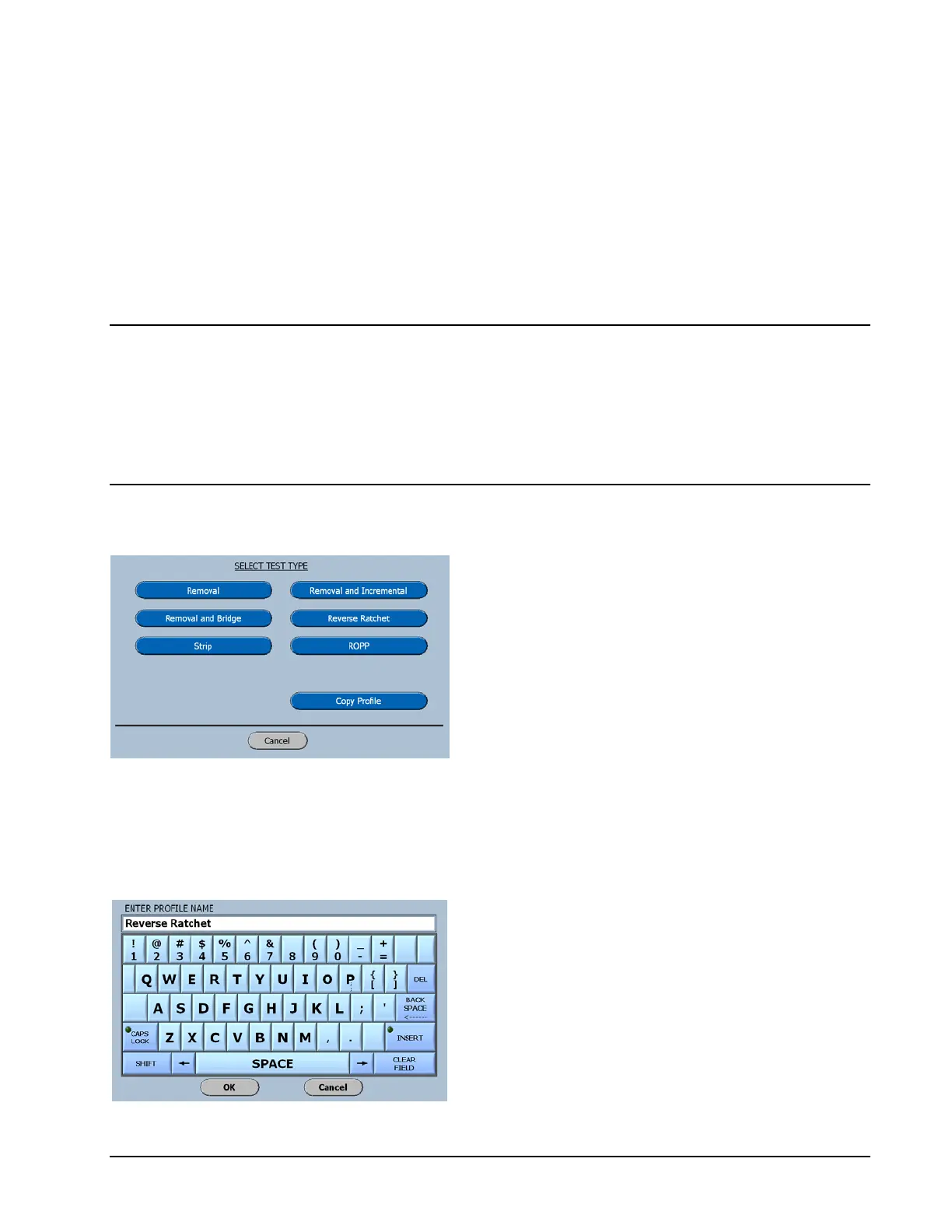
Select Test Type
On the Select Test Type screen select Reverse
Ratchet
The software will advance to the Enter Profile
Name screen as shown below.
Keyboard For Reverse Ratchet Test
For this manual the profile name, Reverse
Ratchet has been entered.
Selecting OK will advance the software to the
Reverse Ratchet Test Setup Screen shown
below.



 To Next Page