72 • Selecting The System Options User Guide Ver. 7.1.0 2100 Cap Inspector
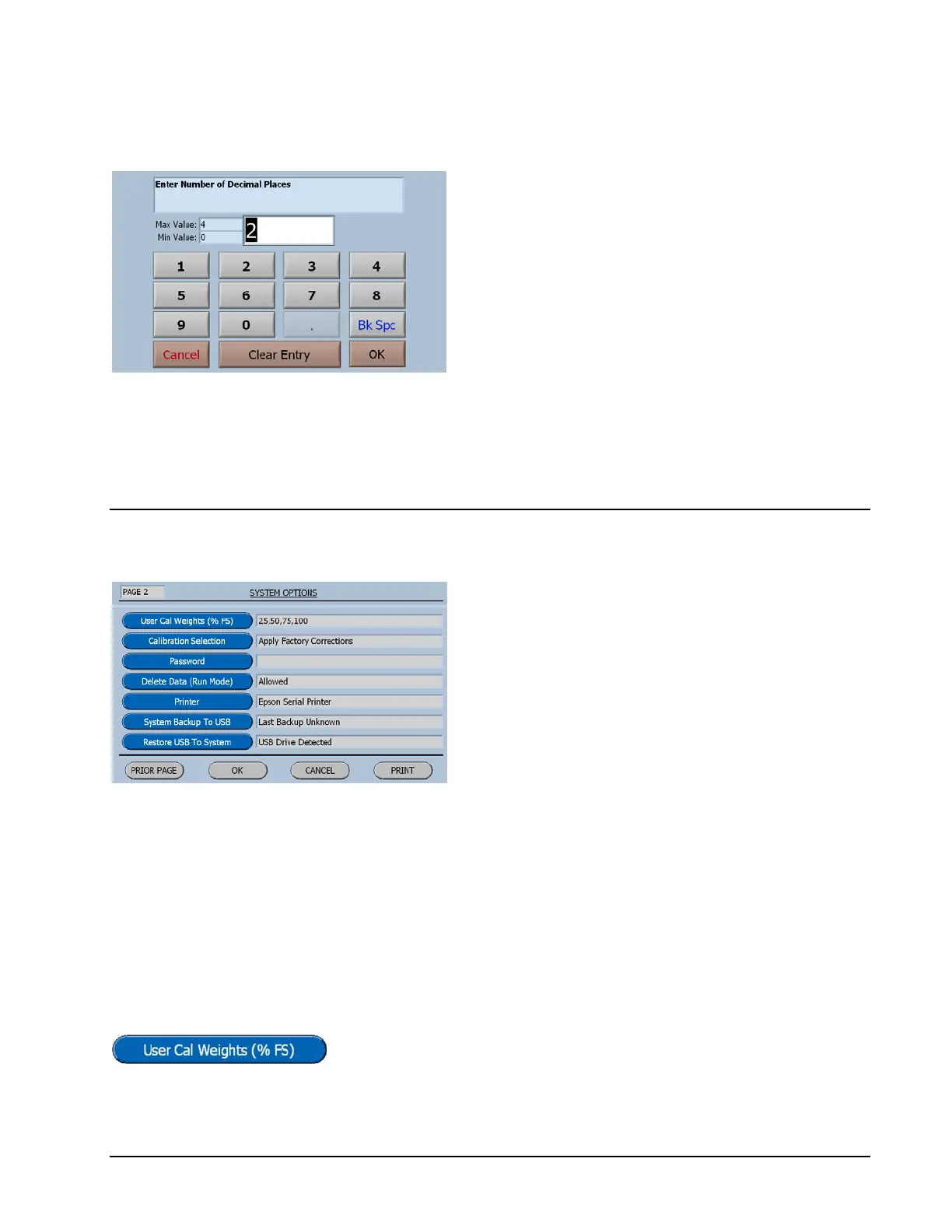
Enter Number of Decimal Places
Observe the minimum and maximum
values.
To input a value, just start typing. The first key
selected will overwrite the first highlighted
value on the screen. When the desired value
has been keyed in press OK to save the new
value.
System Options Menu Page 2
As on page 1 the default values have been
carefully selected to fit most applications.
User Cal Weights
This feature enables the user to add additional weights to the
calibration table or use customer-supplied weights.
Pressing the User Cal Weights Button will display the screen
for editing the list.



 To Next Page