User Guide Ver. 7.1.0 2100 Cap Inspector Setting the Data and Time • 105
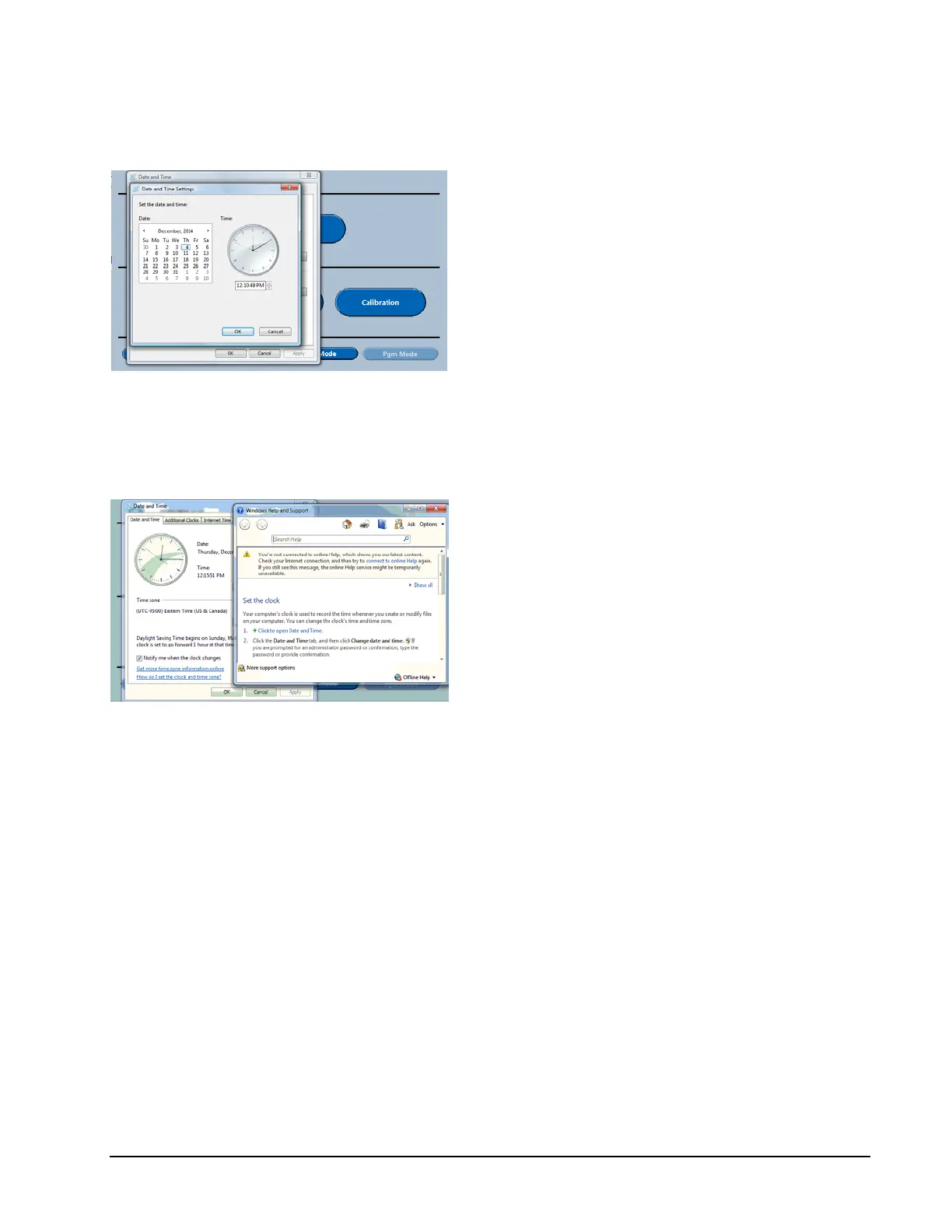
Edit Date and Time Screen
Touching the arrows to the right and left of
the displayed month changes the Month.
Touching the desired day changes the
Day.
Touching the arrow keys after selecting
the value to be changed changes the
Time.
Edit Date and Time Help
When how do I set the clock and time zone is
selected, this help screen will be displayed.



 To Next Page