26 • Modes of Operation User Guide Ver. 7.1.0 2100 Cap Inspector
Deleting The Password
In order to delete the password, the user must return to the
System Option Menu page 2.
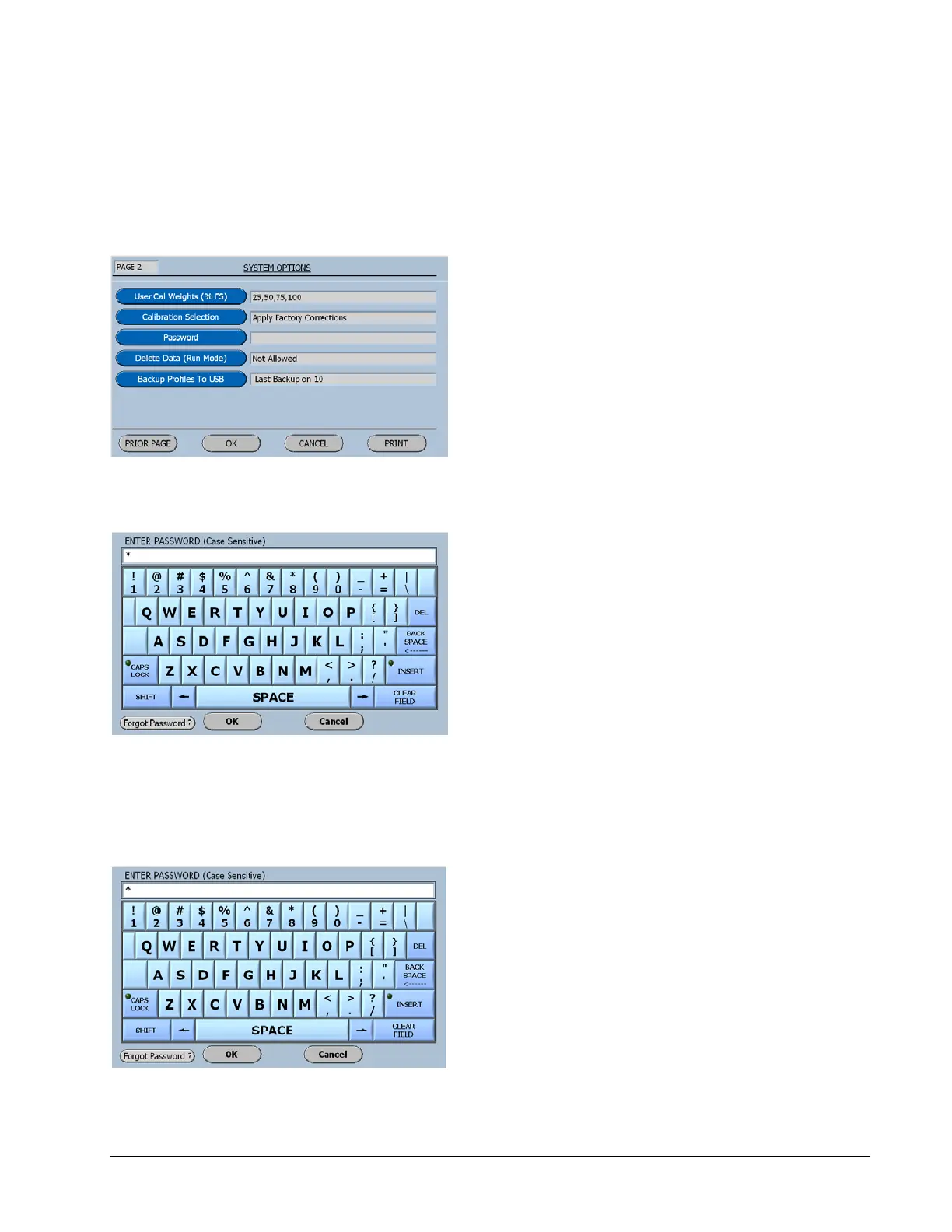
Now on page 2 of the System Options menu,
select Password.
When Password is selected the following
screen will be displayed.
When a Password has been entered an Asterisk
will be displayed for each character that was
entered.
Now by entering the correct password and
selecting OK the software will advance to the
Main Menu.
Now on the Main Menu select System Options and advance
to page 2 and then select Password.
Now select the Clear Field Key and the
displayed Asterisks will be deleted.
The Password is now deleted.



 To Next Page